

Running a Shopify store is already a full-time job. Adding “post on social media” to your daily to-do list is how most store owners burn out or go silent for weeks.
A content calendar fixes that. You plan once, create in batches, and schedule everything in advance. No more staring at a blank screen at 9 PM wondering what to post.
Key Takeaways
- Plan in batches: Create 2-4 weeks of content in one sitting instead of posting daily.
- Use 4 content pillars: Product, educational, social proof, and brand story.
- Match platforms to goals: Instagram for discovery, Pinterest for traffic, TikTok for reach.
- Automate publishing: Use scheduling tools to post at optimal times without manual effort.
Why your Shopify store needs a content calendar
Posting “when you have time” is the fastest way to become invisible on social media. The algorithm rewards consistency. When you disappear for a week, your reach drops. When you come back, the algorithm treats you like a new account.
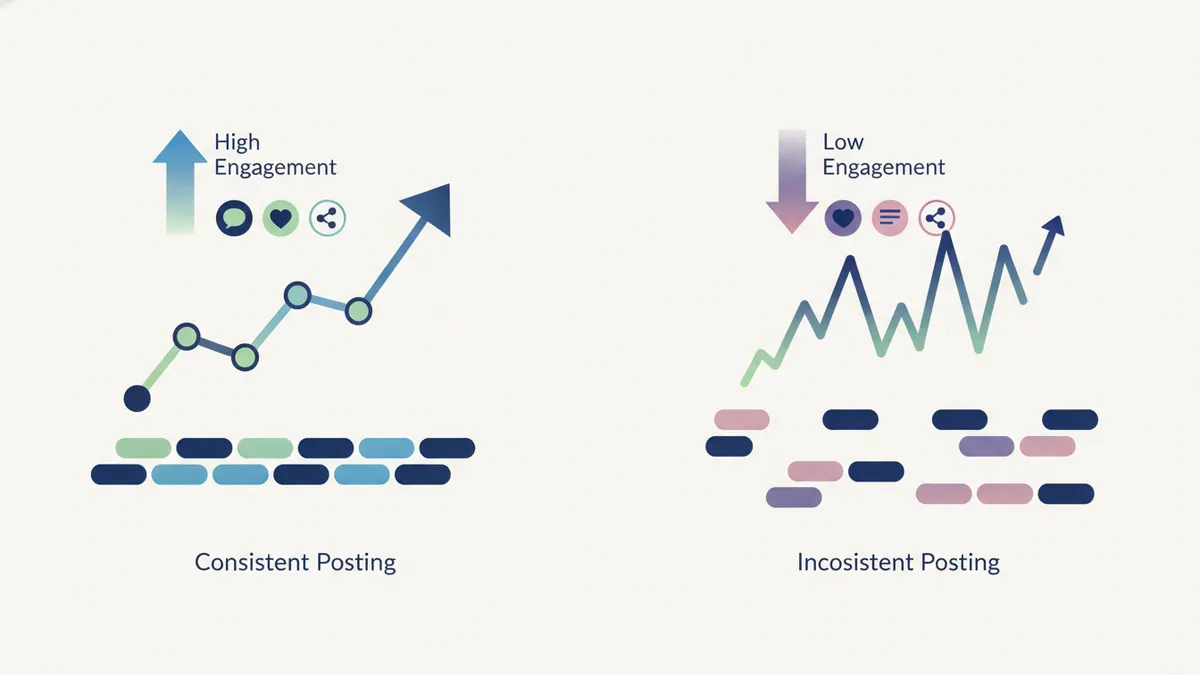
A content calendar solves three problems at once:
- Consistency without daily effort. You batch-create content and schedule it ahead of time.
- Strategic variety. Instead of posting product photos every day, you mix in educational content, customer stories, and behind-the-scenes moments.
- Campaign alignment. Your social posts support your product launches, sales events, and seasonal promotions instead of existing in a vacuum.
Most Shopify stores that struggle with social media don’t have a creativity problem. They have a planning problem.
The 4-pillar content framework for e-commerce
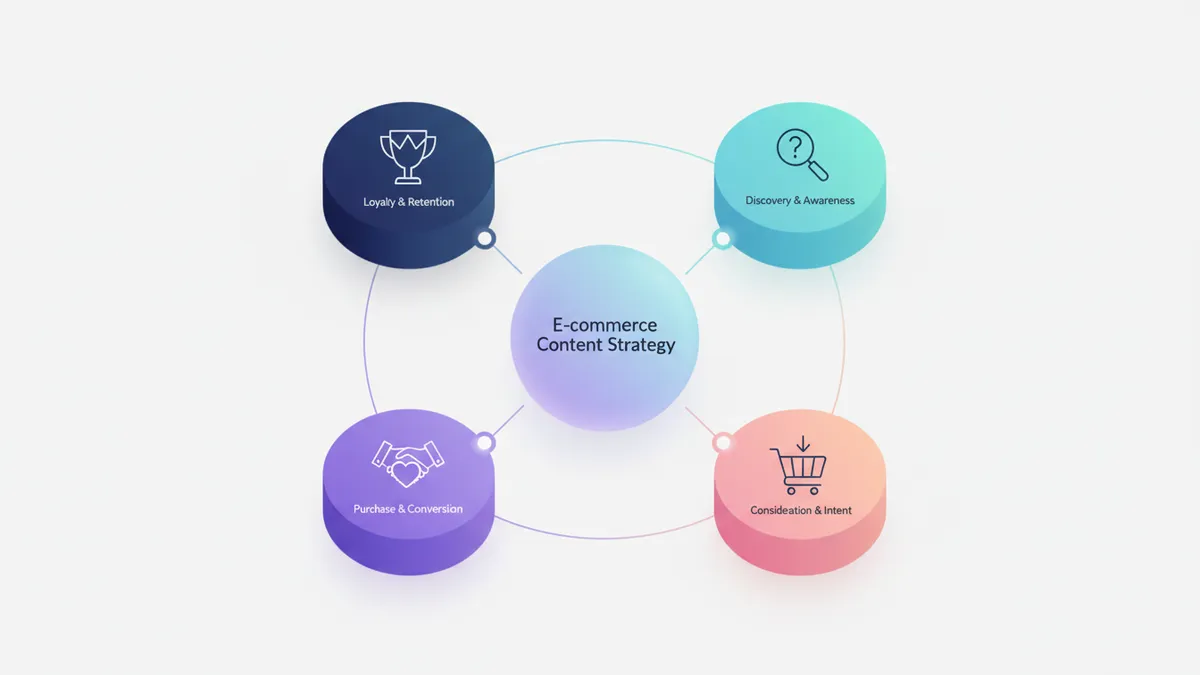
Before you fill in a calendar, you need to know what to put on it. The 4-pillar framework gives you a repeatable structure so you never run out of ideas.
Pillar 1: Product content (30%)
This is what you sell. Showcase your products, but make it interesting.
- New arrival announcements
- Product features and close-ups
- Styling or usage ideas
- Size guides and comparison shots
- “How it’s made” process content
The mistake most stores make: posting product photos with “Link in bio” as the caption. Instead, turn your product photos into scroll-stopping social content using lifestyle shots, carousels, and behind-the-scenes formats. Tell a micro-story. Why does this product exist? What problem does it solve? Who is it for?
Pillar 2: Educational content (30%)
Teach something related to your niche. This builds trust and drives saves.
- How-to guides related to your products
- Tips and tricks your audience can use today
- Common mistakes to avoid
- Industry trends and insights
- “Did you know?” posts with surprising stats
A skincare brand might post “3 ingredients to avoid if you have sensitive skin.” A home decor store might share “5 ways to style a small entryway.” You are not selling here. You are helping.
Pillar 3: Social proof and UGC (20%)
Let your customers do the talking. Social proof content converts better than anything you can create yourself.
- Customer reviews as carousel posts
- Reposted customer photos and videos
- Unboxing videos
- Before-and-after transformations
- Testimonial quotes with product images
Encourage customers to tag you by adding a card in your packaging or sending a follow-up email after purchase.
Pillar 4: Brand story and behind-the-scenes (20%)
People buy from brands they connect with. This pillar humanizes your store.
- Founder story and motivation
- Day-in-the-life of running your store
- Packing orders
- Team introductions
- Your workspace or studio
- Mistakes you have made and lessons learned
This type of content might feel uncomfortable at first. It performs incredibly well because it is real. Authenticity stands out when every other brand is posting polished product shots.
Build your calendar: step by step
Now that you know what to post, here is how to organize it into a working calendar.
Step 1: Choose your platforms
You do not need to be everywhere. Pick 1-2 platforms based on where your customers spend time.

| Platform | Best for | Posting cadence |
|---|---|---|
| Visual products, discovery, community | 3-5 posts/week + daily Stories | |
| TikTok | Reach, younger audience, viral potential | 3-7 videos/week |
| Traffic to your store, evergreen content | 5-10 pins/week | |
| Older demographics, community groups | 3-4 posts/week | |
| X (Twitter) | Quick updates, customer service, trends | Daily |
Starting out? Instagram + one other platform is the safest bet for most Shopify stores. For a deep dive on making Instagram work for your store, see our guide on Instagram marketing for Shopify: from posts to sales. If TikTok is your second platform, check out how small stores are using TikTok to go viral. For a detailed breakdown of how often to post on each platform, we have a full guide with schedules and templates.
Step 2: Set your weekly rhythm
Map your 4 pillars onto specific days. This removes decision fatigue.
Example weekly rhythm (5 posts/week):
| Day | Pillar | Content type |
|---|---|---|
| Monday | Educational | Tip or how-to carousel |
| Tuesday | Product | New product or feature highlight |
| Wednesday | Social proof | Customer review or UGC repost |
| Thursday | Educational | Industry trend or “did you know” |
| Friday | Brand story | Behind-the-scenes or founder note |
You can adjust this to fit your schedule. The point is having a predictable structure you can fill in quickly.
Step 3: Batch-create your content
This is where the real time savings happen. Instead of creating one post per day, block out 2-3 hours and create two weeks of content at once.
Batching workflow:
- Brainstorm (20 min). Write down 10-14 post ideas using your 4 pillars.
- Write captions (60 min). Draft all captions in one sitting. You will find a rhythm.
- Create visuals (60 min). Shoot product photos, design carousels, or record short videos.
- Schedule (20 min). Load everything into your scheduling tool with dates and times.
Two weeks of content in under 3 hours. Compare that to spending 30 minutes every single day scrambling for something to post.
Step 4: Schedule and automate
Manual posting kills consistency. One busy day and your schedule falls apart.

Use a scheduling tool to load your posts in advance and let them publish automatically. Not sure what to automate? Our guide on social media automation for Shopify covers what to automate and what to keep manual. Look for a tool that lets you:
- Schedule across multiple platforms from one place
- Preview posts before they go live
- Set optimal posting times per platform
- Store your brand assets (logos, colors, fonts) for quick access
Tools like IDEQO let you plan, write, and auto-publish content from a single dashboard. You can even use AI to generate caption drafts in your Brand Voice, then edit and schedule them in one session.
Step 5: Plan around key dates
Layer your calendar with important dates for your store:
- Product launches and restocks. Tease 1 week before, announce on launch day, follow up with reviews.
- Sales and promotions. Black Friday, seasonal sales, flash sales.
- Holidays and cultural moments. Valentine’s Day, Mother’s Day, back-to-school.
- Industry-specific dates. National Coffee Day for a coffee brand, Earth Day for a sustainable brand.
Build these into your calendar at least 4-6 weeks ahead. Last-minute campaigns always feel rushed and underperform.
Content calendar template
Here is a simple template you can copy and adapt. This covers two weeks of content for a Shopify store posting 5 times per week on Instagram.
Week 1:
| Day | Pillar | Post idea | Format |
|---|---|---|---|
| Mon | Educational | ”3 ways to style [product]“ | Carousel |
| Tue | Product | New arrival showcase | Reel |
| Wed | Social proof | Customer review highlight | Story + Feed |
| Thu | Educational | Common mistake in your niche | Carousel |
| Fri | Brand story | Packing orders this week | Reel/Story |
Week 2:
| Day | Pillar | Post idea | Format |
|---|---|---|---|
| Mon | Educational | FAQ your customers always ask | Carousel |
| Tue | Product | Product comparison or sizing guide | Carousel |
| Wed | Social proof | UGC repost from a customer | Feed post |
| Thu | Educational | Trend in your industry | Reel |
| Fri | Brand story | Why you started your store | Carousel |
Repeat with fresh ideas every 2 weeks. After a few cycles, you will build a library of content formats that work for your audience.
Free social media content calendar template
If you want a ready-to-use template instead of building from scratch, here are your best options:
Option 1: IDEQO’s Content Calendar (interactive, free trial). IDEQO’s Content Calendar tool generates a full 30-day plan based on your brand, products, and platforms. Drag-and-drop scheduling, AI caption drafts in your Brand Voice, and multi-platform publishing from one dashboard. Start free with IDEQO.
Option 2: Google Sheets template (manual, free). Copy the 2-week template tables above into a Google Sheet. Add columns for: Platform, Date, Pillar, Caption, Visual (link or filename), Hashtags, Status (draft/scheduled/published). Share with your team if you have one.
Option 3: Notion template (manual, free). Set up a Notion database with the same fields. Kanban view works well for moving posts through draft → review → scheduled → published stages. Good if you already use Notion for your store operations.
The right template is the one you’ll actually use. A Google Sheet you update weekly beats a fancy tool you forget about. That said, once you’re posting 3+ times per week across multiple platforms, a scheduling tool pays for itself in time saved. For a full comparison, see our Buffer vs Hootsuite vs IDEQO breakdown.
Common mistakes to avoid
Posting the same type of content every day. All product photos or all educational posts gets boring. Use the 4-pillar framework to stay balanced.

Ignoring analytics. After 4-6 weeks, check which posts got the most saves, shares, and comments. Double down on what works. Drop what doesn’t.
Overcomplicating it. Your first calendar does not need to be perfect. A simple spreadsheet with dates, pillars, and captions is enough to start. You can upgrade your system later.
Not repurposing content. One blog post can become 3-5 social posts. A customer review can become a carousel, a Story, and a Reel. Work smarter by turning one idea into multiple pieces of content.
Speed it up with AI
Writing 10-14 captions from scratch every two weeks gets old. AI can help you get through the blank-page phase faster.
Here is a practical approach:
- Feed your product details and brand voice into an AI tool.
- Generate draft captions for your planned posts.
- Edit each draft to sound like you. Add personality, fix anything that feels generic.
- Schedule everything.
The goal is not to let AI write your content. The goal is to let AI create a first draft so you can spend your time editing and polishing instead of starting from zero.
IDEQO’s Bulk Content Generator can create a full 30-day content plan with captions for multiple platforms in minutes. You review, tweak, and schedule. That is the workflow.
Start small, stay consistent
You do not need to launch with a perfect calendar across five platforms. Start with one platform, 3 posts per week, and the 4-pillar framework.
After 4 weeks, you will have a rhythm. After 8 weeks, you will have data showing what works for your audience. After 12 weeks, you will wonder how you ever posted without a plan.
The Shopify stores that win on social media are not the ones with the biggest budgets. They are the ones that show up consistently.
Ready to build your first content calendar? Try IDEQO’s free Content Calendar to create a 30-day plan for your store in minutes. No credit card required.
Frequently Asked Questions
How far in advance should I plan my social media content?
Plan at least 2-4 weeks ahead for regular content. For product launches and seasonal campaigns, plan 6-8 weeks out. Batch creation in 2-week sprints works well for most Shopify store owners.
How often should a Shopify store post on social media?
Start with 3-5 posts per week across your main platform. Consistency beats frequency. It is better to post 3 times a week every week than 7 times one week and nothing the next.
What should an e-commerce store post on social media?
Follow the 4-pillar framework: product content (30%), educational content (30%), social proof and UGC (20%), and behind-the-scenes or brand story content (20%). This mix keeps your feed interesting while still driving sales.
Can I use AI to create my content calendar?
Yes. AI tools can generate caption drafts, suggest posting times, and even create 30-day content plans in minutes. The key is to review and edit AI output to match your brand voice before publishing.