

Key Takeaways
- Plain product photos don’t perform on social media. You need to transform them into content that entertains, educates, or inspires.
- Use the 5-format framework: lifestyle shots, carousels, before/after, behind-the-scenes, and user-generated content to maximize every photo.
- One product photo can become 10+ pieces of content when you repurpose across platforms with different formats and angles.
- You don’t need expensive gear. A smartphone, natural light, and a clear plan outperform studio setups that feel sterile.
- Batch your content creation. Shoot once, then create a week’s worth of posts using different crops, captions, and formats.
Why Most Product Photos Fail on Social Media
You spent hours perfecting your product photos. Clean white background. Perfect lighting. Every angle covered.

Then you post them on Instagram and hear crickets.
Here’s the problem. Social media isn’t a product catalog. People scroll through feeds looking for content that makes them stop, feel something, or learn something new. A product on a white background does none of those things.
The 1.3-second attention rule is real. If your content doesn’t hook someone instantly, they’re gone. And a standard product shot looks exactly like every other e-commerce post in their feed.
The fix isn’t better photography. It’s better content strategy. You need to turn those product photos into scroll-stopping social content that earns attention.
The 5-Format Product Content Framework
Every product photo you take can become at least five different pieces of content. Here’s the framework.
1. Lifestyle Shots: Show the Product in Action
This is the single biggest upgrade you can make. Take your product out of the studio and into real life.

How to do it:
- Place your product where customers actually use it
- Include hands, people, or real environments
- Capture the moment of use, not just the product sitting there
- Think “Instagram story” not “Amazon listing”
A candle on a white background is a product photo. A candle on a cozy nightstand with a book and warm lighting is content.
2. Carousel Posts: Tell a Story With Multiple Images
Carousels get the highest engagement rates on Instagram. They invite people to swipe, which signals the algorithm to boost your post.
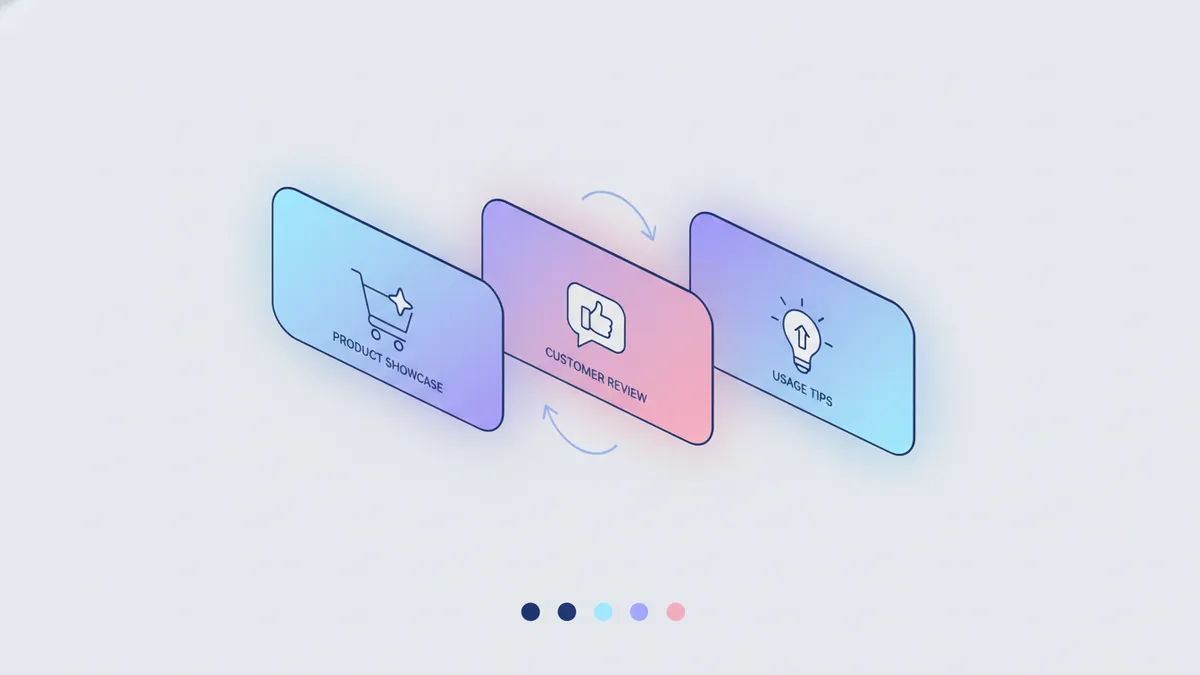
Product carousel ideas:
- Feature highlights (one feature per slide)
- Color/variant showcase
- “5 ways to use [product]”
- Customer reviews overlaid on product photos
- Size comparison with everyday objects
Start with a hook slide that makes people want to swipe. End with a clear call to action.
3. Before/After and Transformation Content
Nothing stops the scroll like a visible transformation. If your product creates any kind of change, show it.
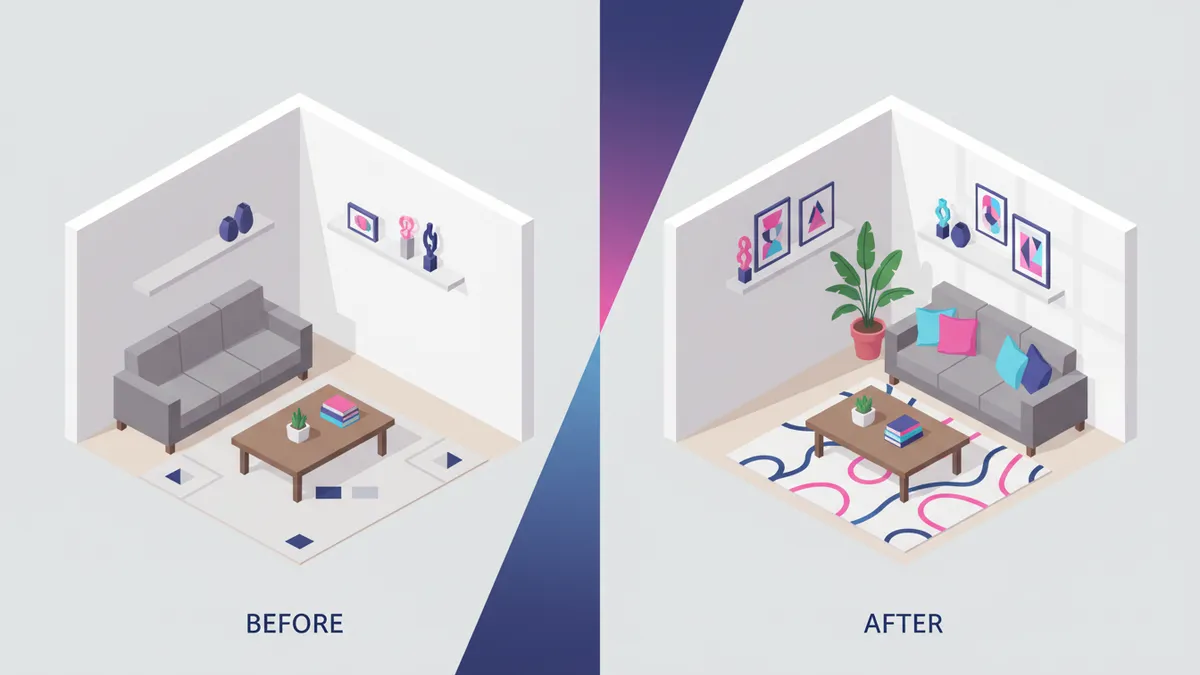
Examples by niche:
- Skincare: Before and after skin results
- Home decor: Room before and after styling
- Fashion: Outfit transformation or styling options
- Food: Ingredients to finished dish
- Cleaning products: Dirty to clean
Even if your product doesn’t have an obvious “before/after,” you can show the problem it solves versus the outcome.
4. Behind-the-Scenes Content
People love seeing how things are made. Behind-the-scenes content builds trust and makes your brand feel human.
What to capture:
- Product creation or packaging process
- Quality control moments
- Team members handling products with care
- Raw materials or ingredients
- Shipping and fulfillment
This type of content performs especially well on TikTok, where authenticity outperforms polish. A quick video of you packing orders can outperform a professional product shoot.
5. User-Generated Content (UGC) and Social Proof
Your customers are creating content with your products already. Use it.
How to collect UGC:
- Create a branded hashtag and encourage customers to use it
- Send a follow-up email asking for photos after purchase
- Repost customer stories and tag them
- Run a photo contest with your product
UGC is powerful because it feels authentic. When potential customers see real people using your product, they trust it more than any polished brand photo.
Platform-by-Platform Breakdown
Each platform has different content preferences. Here’s how to adapt your product photos for maximum impact.
Instagram is visual-first, which makes it perfect for product content. But the platform rewards variety.
What works:
- Feed posts: Lifestyle shots, carousels, and flat lays
- Reels: Quick product demos, unboxing, and styling videos
- Stories: Behind-the-scenes, polls (“Which color?”), and limited-time offers
Your Instagram content mix should be about 40% product content, 30% educational, 20% UGC, and 10% behind-the-scenes. This keeps your feed interesting without feeling like a constant sales pitch.
TikTok
TikTok favors raw, authentic content over polished production. Your product photos become the starting point, not the final content.
What works:
- Product reveal videos with trending audio
- “POV: you just ordered from [your store]” unboxing
- Showing the product in unexpected contexts
- Quick before/after transformations
- Packing order videos (these go viral regularly)
Keep it short. 15-30 seconds is the sweet spot for product content on TikTok.
Pinterest is a search engine disguised as a social platform. Product content here drives long-term traffic.
What works:
- Tall, vertical pins (1000x1500px) with text overlay
- Lifestyle images that inspire (room scenes, outfit ideas)
- Step-by-step tutorials using your product
- Seasonal styling guides
- “Shop the look” pins linking directly to your Shopify store
Pinterest content has a much longer lifespan than Instagram or TikTok. A pin can drive traffic for months.
Facebook still drives significant e-commerce traffic, especially for stores targeting 30+ demographics.
What works:
- Carousel ads using your best lifestyle shots
- Short video content (under 60 seconds)
- Customer testimonial posts with product photos
- Before/after posts that encourage comments
- Seasonal and holiday-themed product content
How to Batch Create Product Content
The fastest way to create consistent product content is to batch it. Set aside one day to shoot, then create a full week (or month) of content from that session.
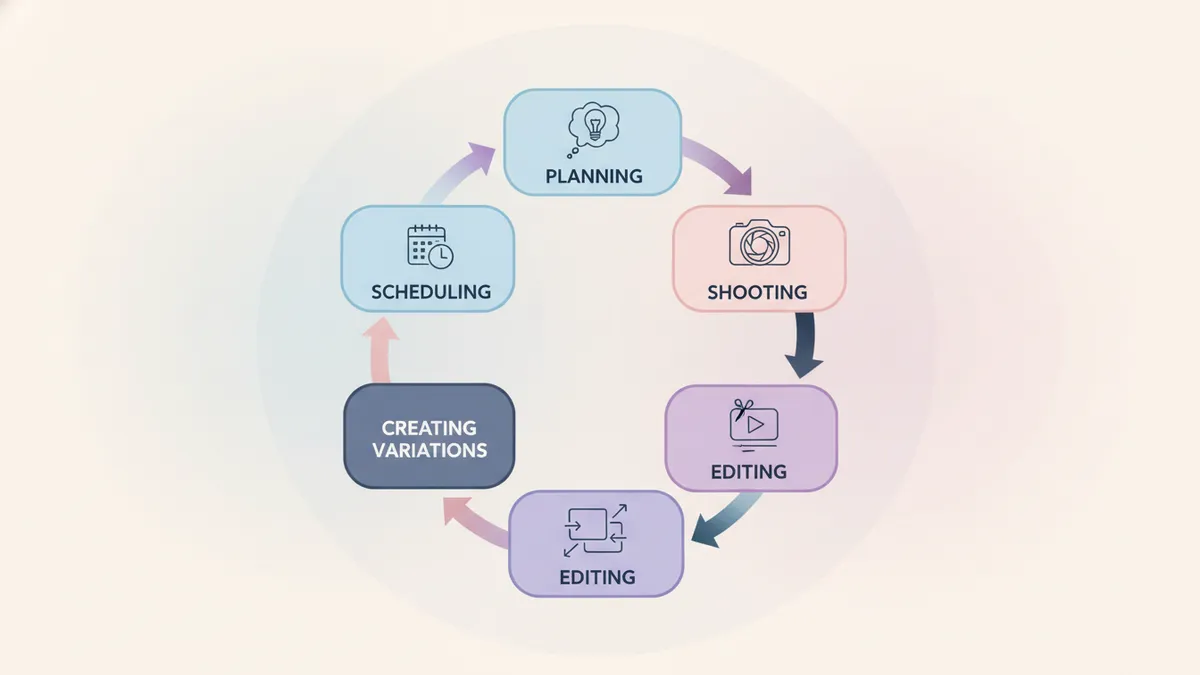
Step 1: Plan Your Shot List
Before you pick up your camera, decide what content you need. Map your shots to your content calendar so nothing goes to waste.
Example shot list for one product:
- 3 lifestyle shots (different settings)
- 5-10 detail/angle shots for carousels
- 1 behind-the-scenes video of the shoot
- 1 flat lay with complementary items
- 1 “in use” video clip (15-30 seconds)
Step 2: Set Up Your Shoot
You don’t need a professional studio. Here’s a minimal setup that works.
Equipment:
- Smartphone (iPhone 12 or newer, or any recent Android flagship)
- Natural light from a large window
- A few simple backgrounds (wood surface, marble tile, linen fabric)
- A basic tripod or phone mount
Lighting tip: Shoot near a window between 10am and 2pm. Diffuse harsh sunlight with a white curtain or sheet. Avoid overhead fluorescent lighting at all costs.
Step 3: Edit in Batches
Edit all your photos in one sitting. This keeps your visual style consistent.
Quick editing workflow:
- Adjust brightness and contrast
- Correct white balance
- Apply the same filter or preset to all images
- Crop for each platform (square for Instagram feed, vertical for Reels/TikTok/Pinterest)
- Export at full resolution
Step 4: Create Content Variations
Now turn your edited photos into multiple content pieces.
From one product photo shoot, you can create:
- 2-3 Instagram feed posts
- 1 carousel post (5-10 slides)
- 3-5 Instagram Stories
- 2-3 TikTok videos
- 5+ Pinterest pins
- Facebook post variations
- Email newsletter images
That’s 15-25+ pieces of content from a single shoot session. This is where batching pays off.
Step 5: Schedule Everything
Don’t post manually one at a time. Use a tool like IDEQO to schedule your content across all platforms at once. Upload your photos, write your captions with AI assistance, and set your publishing times for the week.
Batch scheduling saves hours every week and keeps your posting consistent. Consistency is what builds an audience.
Quick Wins You Can Try Today
Not ready for a full shoot? Try these quick upgrades with photos you already have.
-
Add text overlay to an existing product photo. Share a benefit, a customer quote, or a “did you know” fact. Canva or your phone’s built-in editor works fine.
-
Create a carousel from multiple angles. Take 5 existing product photos, add a hook on the first slide, and post as a carousel. Instant engagement boost.
-
Reshoot one product with your phone in natural light. Compare it to your old studio shot. You’ll be surprised how much more authentic it feels.
-
Turn a customer review into a visual. Overlay a 5-star review on your best product photo. Social proof combined with product imagery is extremely powerful.
-
Film a 15-second product video. Just your hand picking up the product, showing it off, and putting it down. Add trending audio. Post to Reels and TikTok.
Stop Posting Product Catalogs. Start Creating Content.
Your product photos are your most valuable content asset. But only if you treat them as raw material, not finished content.
Use the 5-format framework. Batch your creation. Adapt for each platform. And stop expecting a white-background product shot to compete with the scroll-stopping content your customers actually want to see.
Ready to turn your product photos into a month of content? Start free with IDEQO and schedule your first week of product content across every platform. Free plan available. No credit card required.
Frequently Asked Questions
What's the best image size for product photos on social media?
It depends on the platform. Instagram feed posts work best at 1080x1080 (square) or 1080x1350 (portrait). TikTok and Reels need 1080x1920 (vertical). Pinterest pins perform best at 1000x1500. Always shoot at the highest resolution so you can crop for any format.
Do I need professional photography for social media product content?
No. Smartphone cameras are more than enough for social media. Natural lighting, a clean background, and good composition matter more than expensive gear. Many top-performing e-commerce posts use iPhone photos with simple editing.
How many product content posts should I share per week?
Product content should make up about 30-40% of your total posts. If you post 5 times a week, 2 should be product-focused. Mix formats like carousels, Reels, and lifestyle shots to keep things fresh.
Can AI help me create social media content from product photos?
Yes. AI tools can generate captions, suggest content angles, and even help you plan which formats to use. IDEQO's AI content features let you create platform-specific posts from a single product photo in minutes.
What's the biggest mistake e-commerce stores make with product photos on social media?
Posting the same plain white-background product shot with a 'link in bio' caption. Social media rewards content that entertains, educates, or inspires. Transform your product photos into stories, tutorials, or lifestyle content instead.