
Work Together, seamlessly.
Get your posts approved without the chaos of email chains. Invite your team or clients to review and comment in one shared workspace.
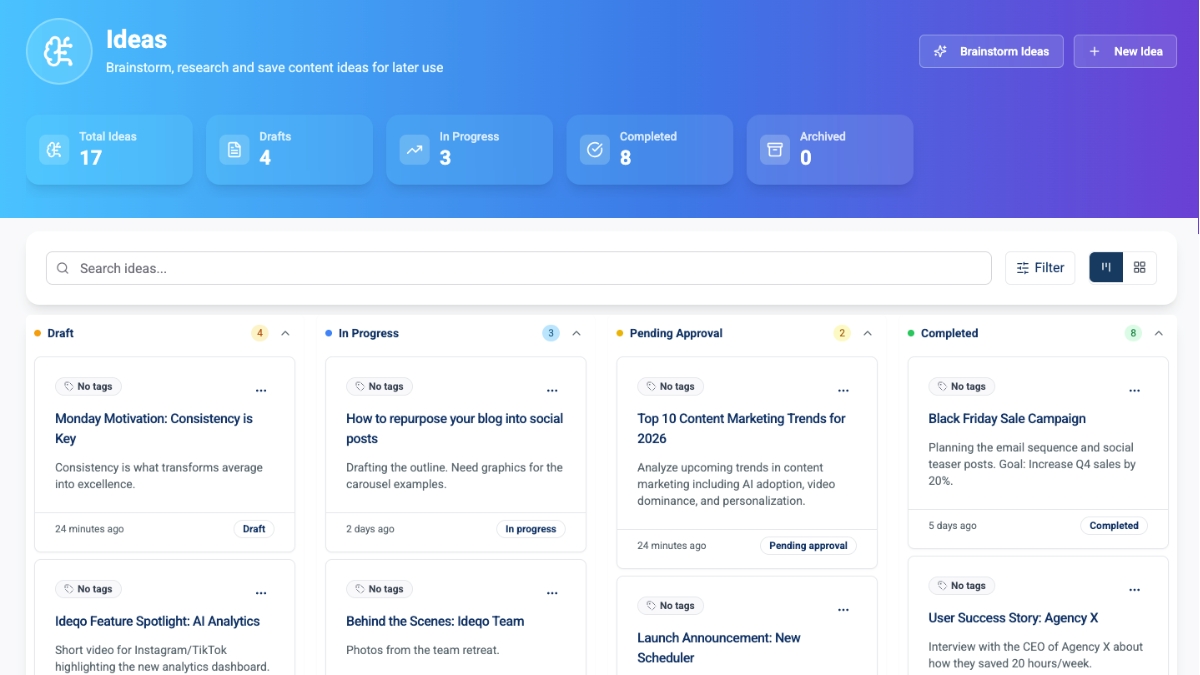
Small businesses and creators trust IDEQO to stay consistent
Loved by early users. See what people are saying on Trustpilot and G2.

 G2
G2 Product HuntG2Product Hunt
30-day money-back guarantee on all plans
Approval Workflows
Make sure every post is perfect before it goes live. Set up a simple review process so your manager or client can give the green light with one click.
- Easy client approvals
- No more 'accidental' posts
- Keep everyone accountable
- Simple 'Approve' button
Post Status
Summer Collection Launch
Created by
John Doe
Awaiting approval
Sarah Johnson
Final approval
Client
Contextual Comments
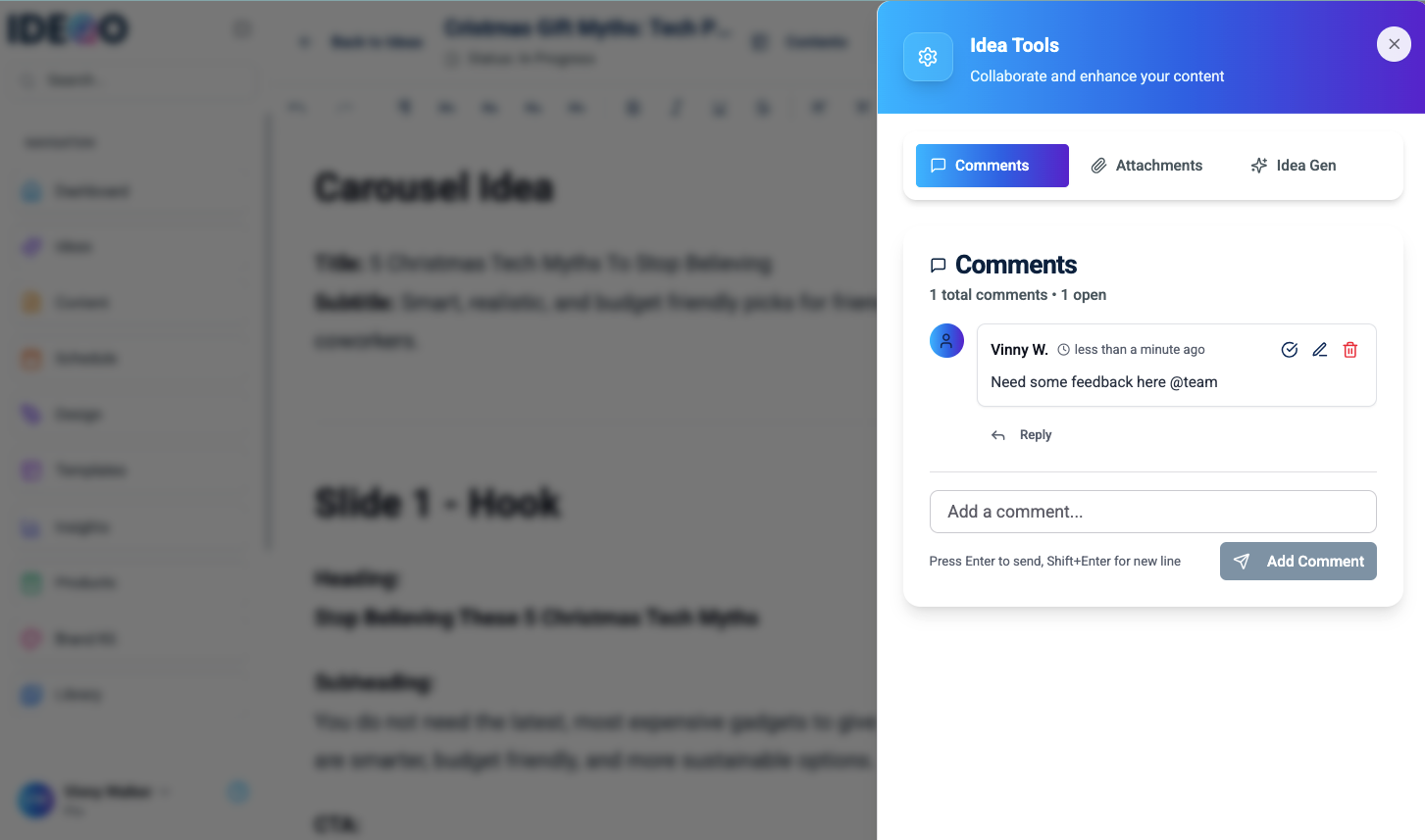
Stop taking screenshots and sending them in Slack. Leave comments right on the post preview so your team knows exactly what to fix.
- Feedback right where you need it
- Tag your teammates
- Keep feedback organized
- See the full conversation
Role-Based Access
Control who can do what. Give writers access to draft, and clients access to approve, while you keep full control as the admin. Everyone sees only what they need to see.
- Secure client access
- Protect your account settings
- Define clear roles
- Invite team members safely
Role-Based Access
Admin, Editor, Viewer with scoped brands
How can my team approve posts before they go live?
Email threads and Slack messages are messy places to review content. Things get lost, and mistakes happen.
With Ideqo, you can invite your team or clients to review posts directly in the calendar. They can leave comments like "Change this image" or hit "Approve" with one click. It keeps your content on brand and prevents embarrassing typos from reaching your feed.
Frequently Asked Questions
Why Choose Ideqo?
IDEQO helps you stay consistent and on brand without spending all day in your marketing tools.
Reclaim Your Evenings
Stop drowning in content tasks. Ideqo's AI brainstorming and rapid planning tools save you 10+ hours every week, so you can spend that time with family or growing your business.
Create with Confidence
Bring your vision to life with our intuitive visual editor. Design stunning posts or let AI generate them for you—no design skills required.
Stay Consistent Automatically
Set your schedule and let IDEQO handle the posting. Your channels stay active with consistent content without you logging in every day.
Professional Polish on Autopilot
Never worry about off-brand colors or fonts again. Ideqo automatically applies your brand kit to every post, ensuring you look professional 100% of the time without the manual check.

Reclaim Your Evenings
Stop drowning in content tasks. Ideqo's AI brainstorming and rapid planning tools save you 10+ hours every week, so you can spend that time with family or growing your business.
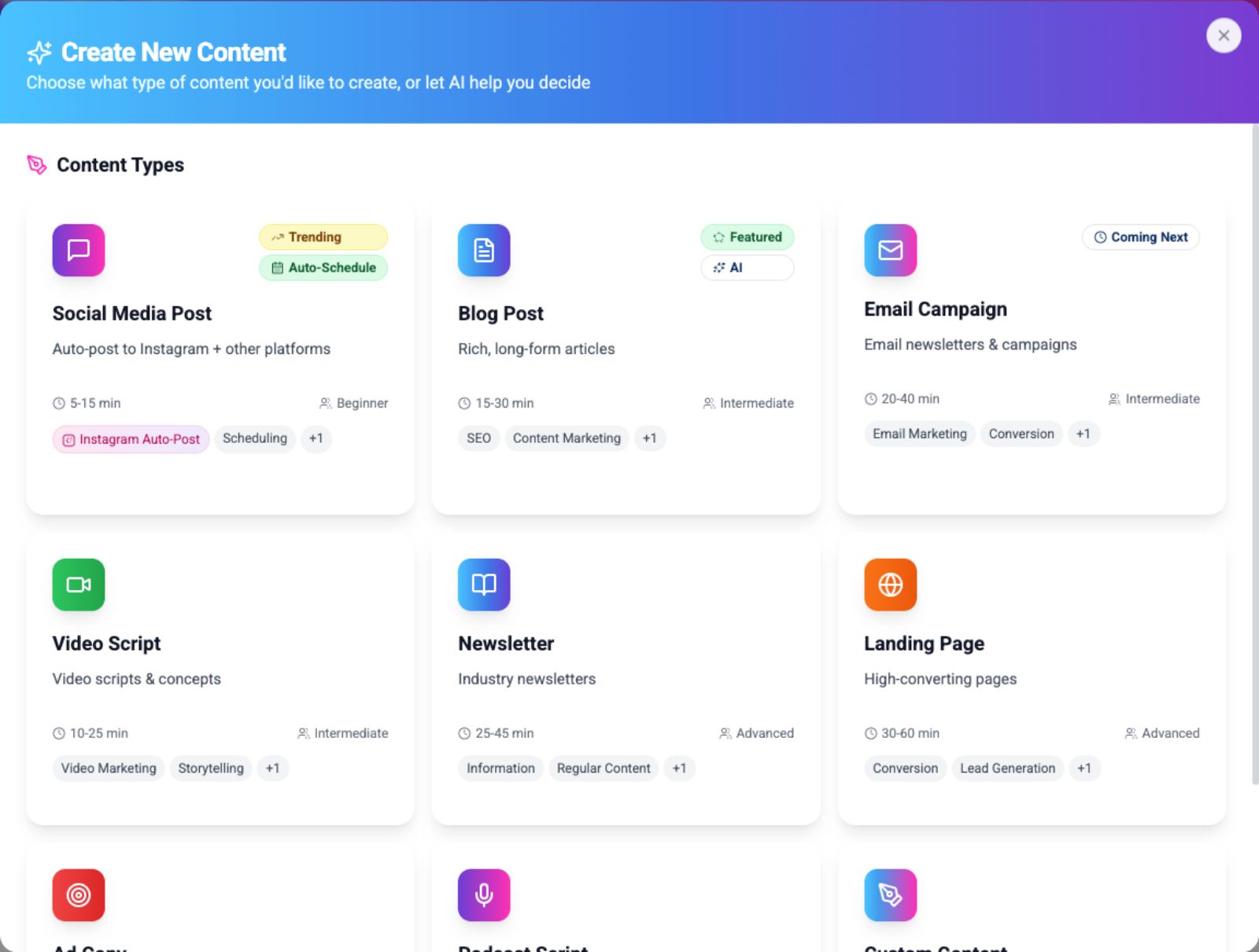
Create with Confidence
Bring your vision to life with our intuitive visual editor. Design stunning posts or let AI generate them for you—no design skills required.
Stay Consistent Automatically
Set your schedule and let IDEQO handle the posting. Your channels stay active with consistent content without you logging in every day.
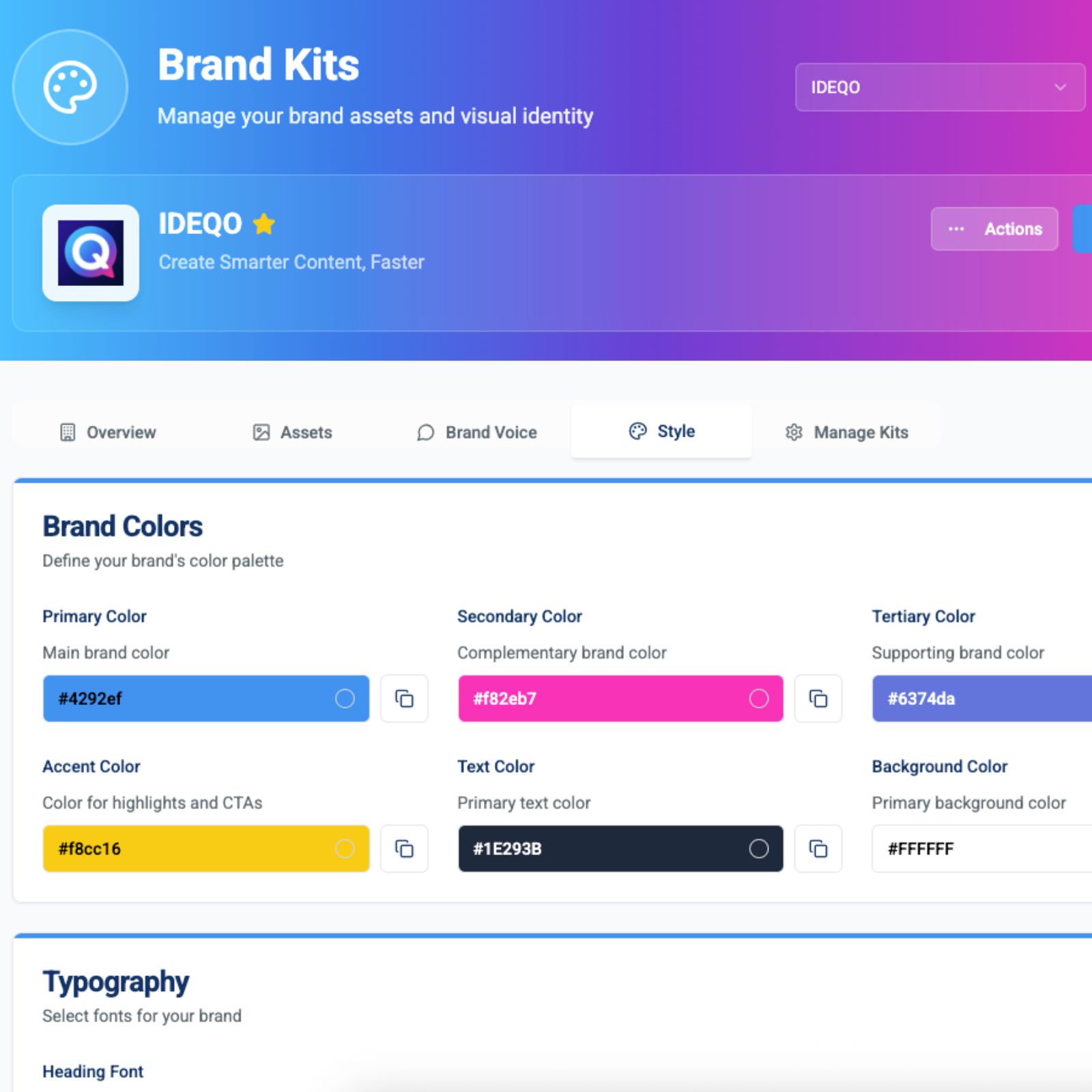
Professional Polish on Autopilot
Never worry about off-brand colors or fonts again. Ideqo automatically applies your brand kit to every post, ensuring you look professional 100% of the time without the manual check.
Start creating better content today.
Join the next generation of creators using Ideqo to streamline their social media workflow.
No credit card required • 7-day free trial