

Build Your Brand Kit
Learn how to customize your brand kit colors, fonts, and voice. Customize Brand Kit →
You’ll create your IDEQO account, complete the onboarding flow, and have your brand kit set up automatically—all in under 5 minutes.
Time required: 3-5 minutes
What you’ll need: Email address and business information
Go to app.ideqo.com/register or click “Get Started” from the homepage.
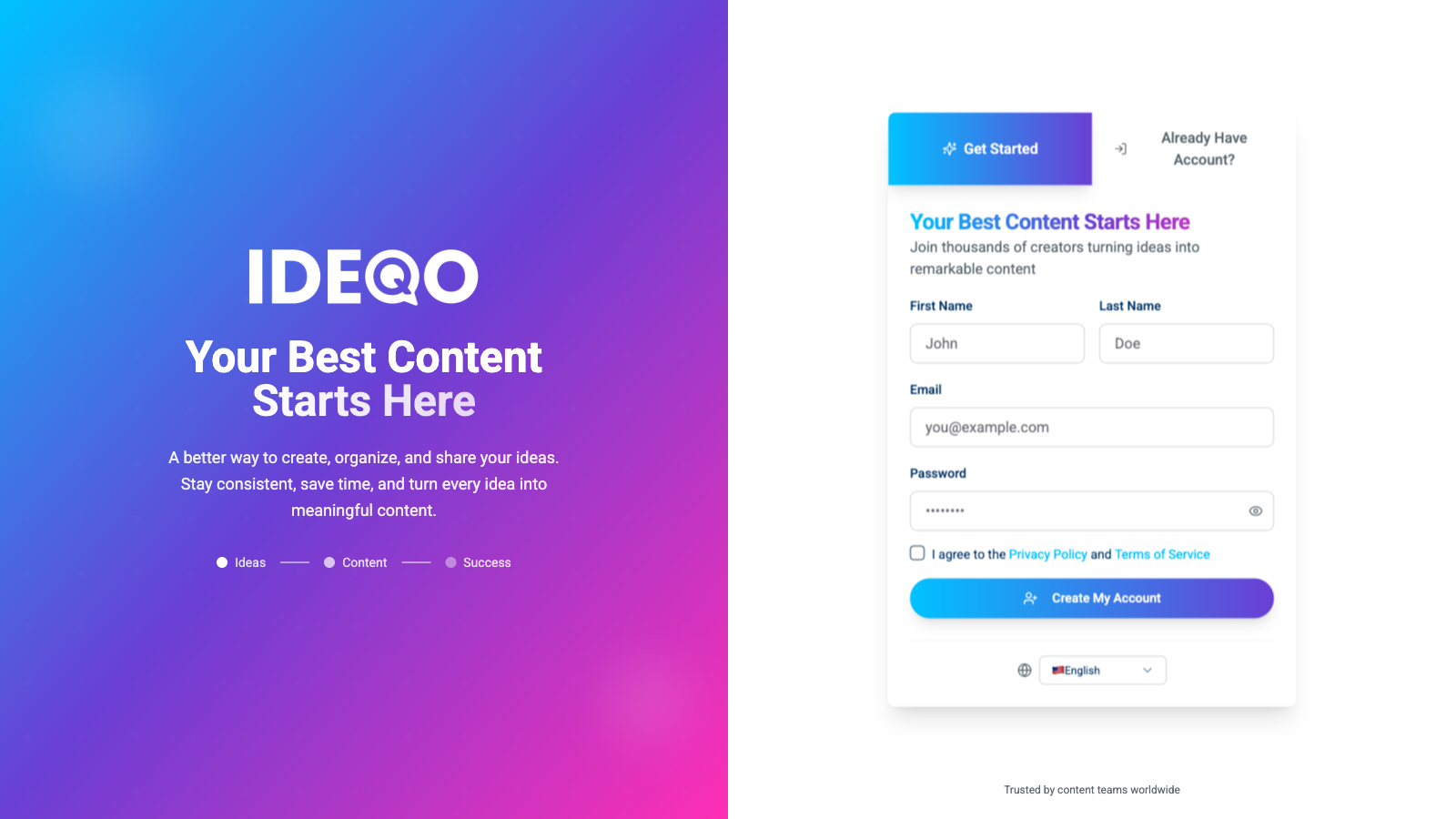
Enter your details:
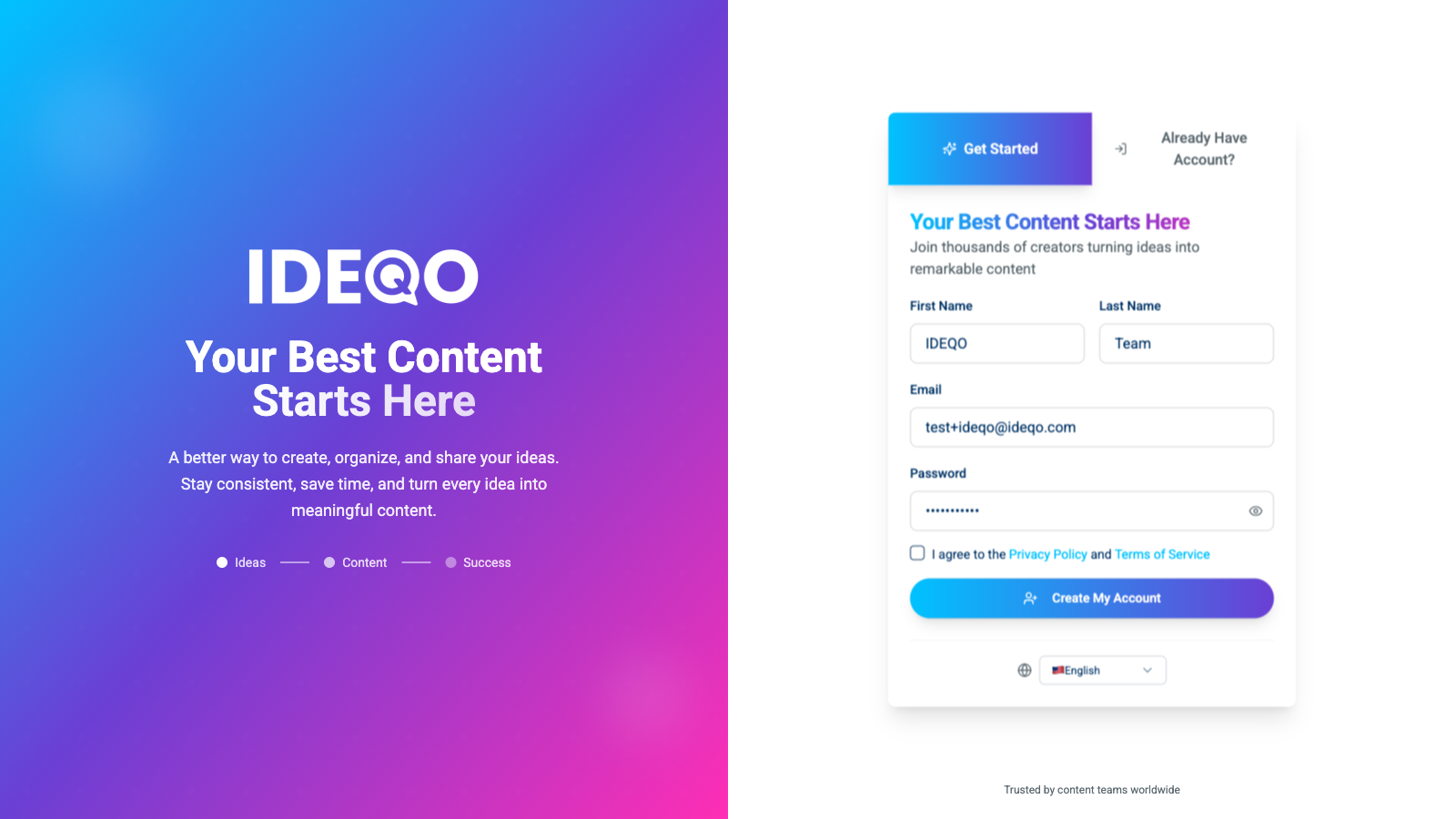
Click “Create My Account” to continue.
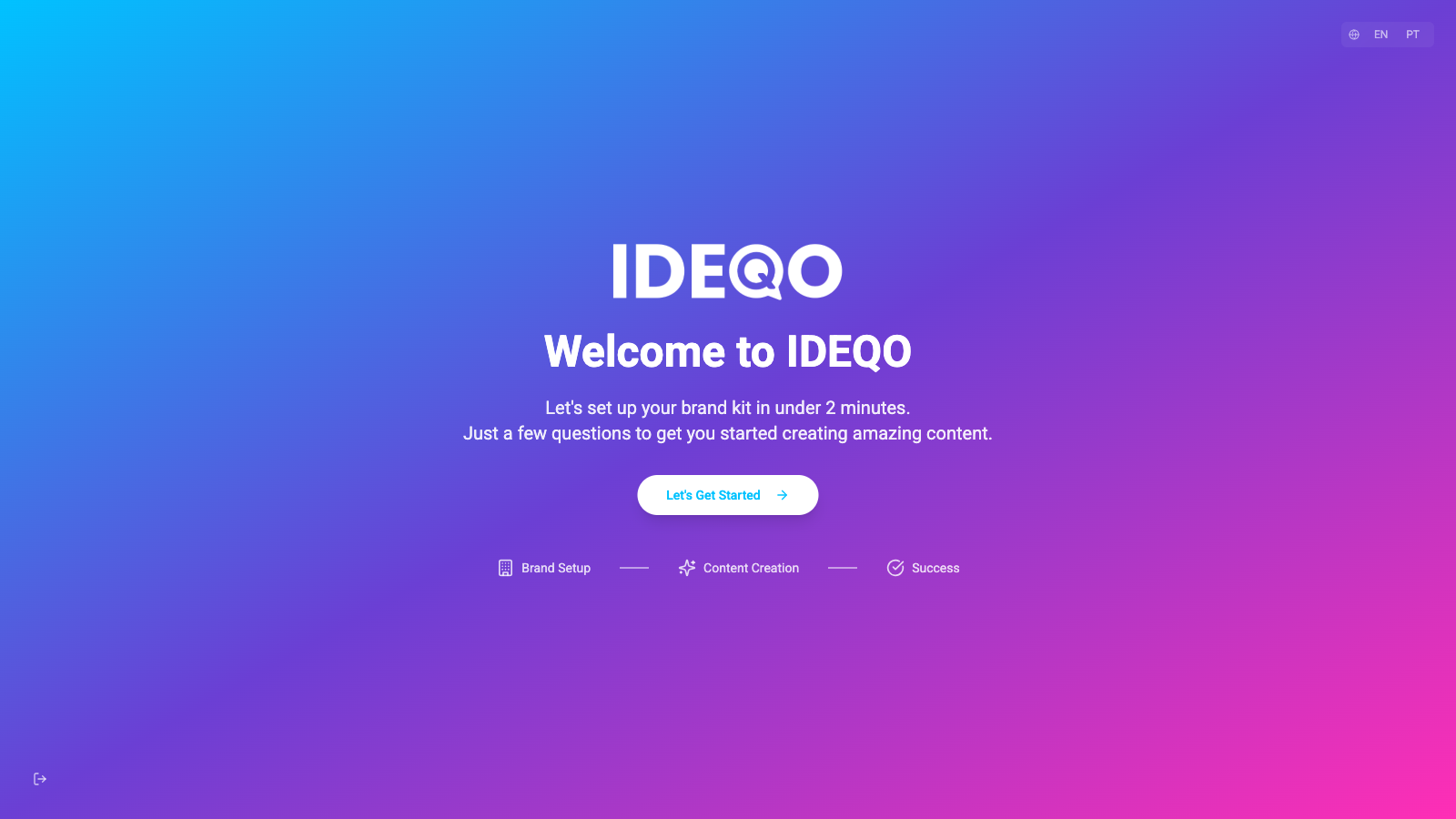
After creating your account, IDEQO guides you through a quick setup process.
You’ll see a welcome screen with an overview of what’s next. Click “Let’s Get Started” to begin.
IDEQO will ask you a few questions about your business to automatically generate your brand kit.
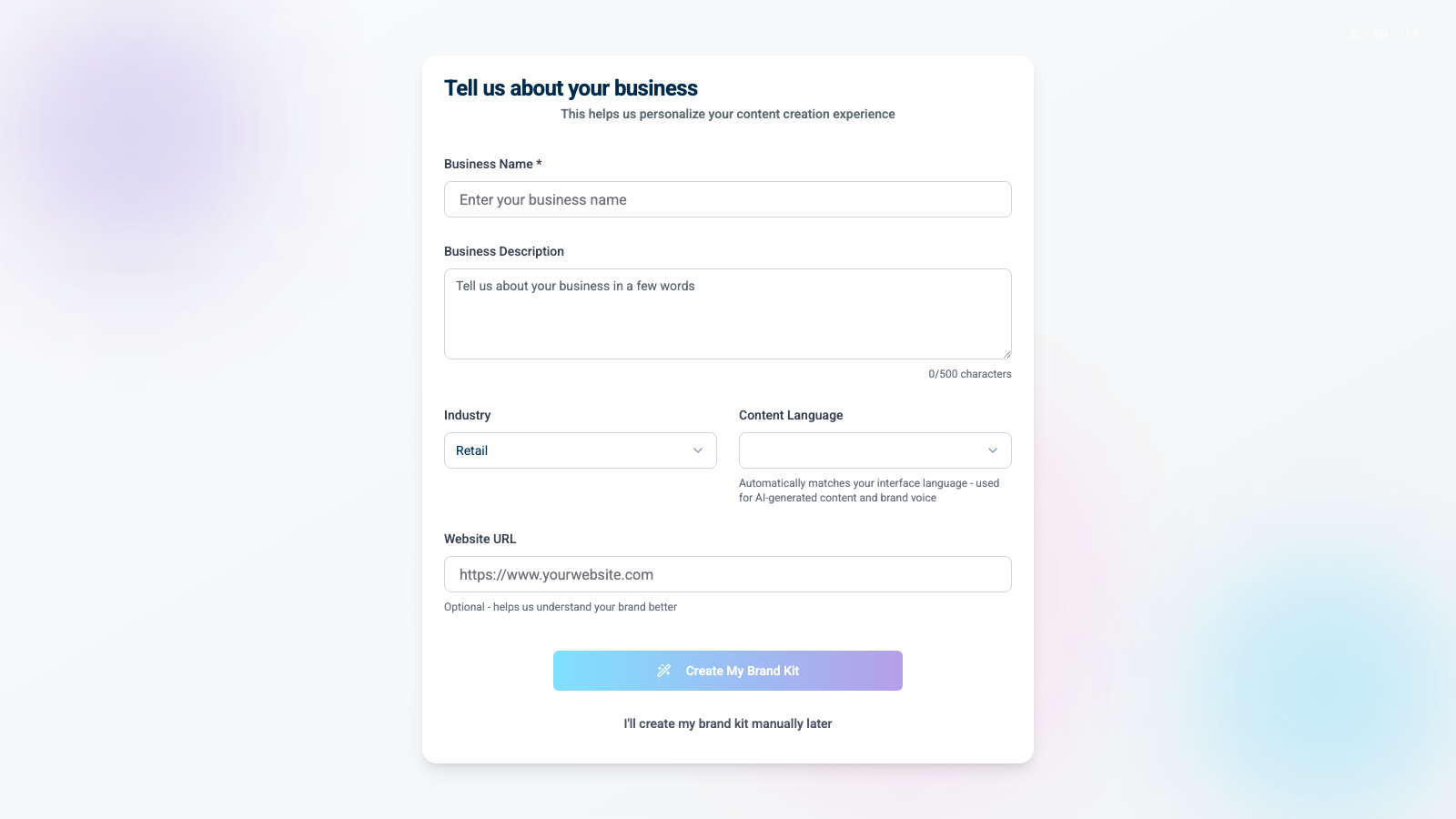
Fill out the form:
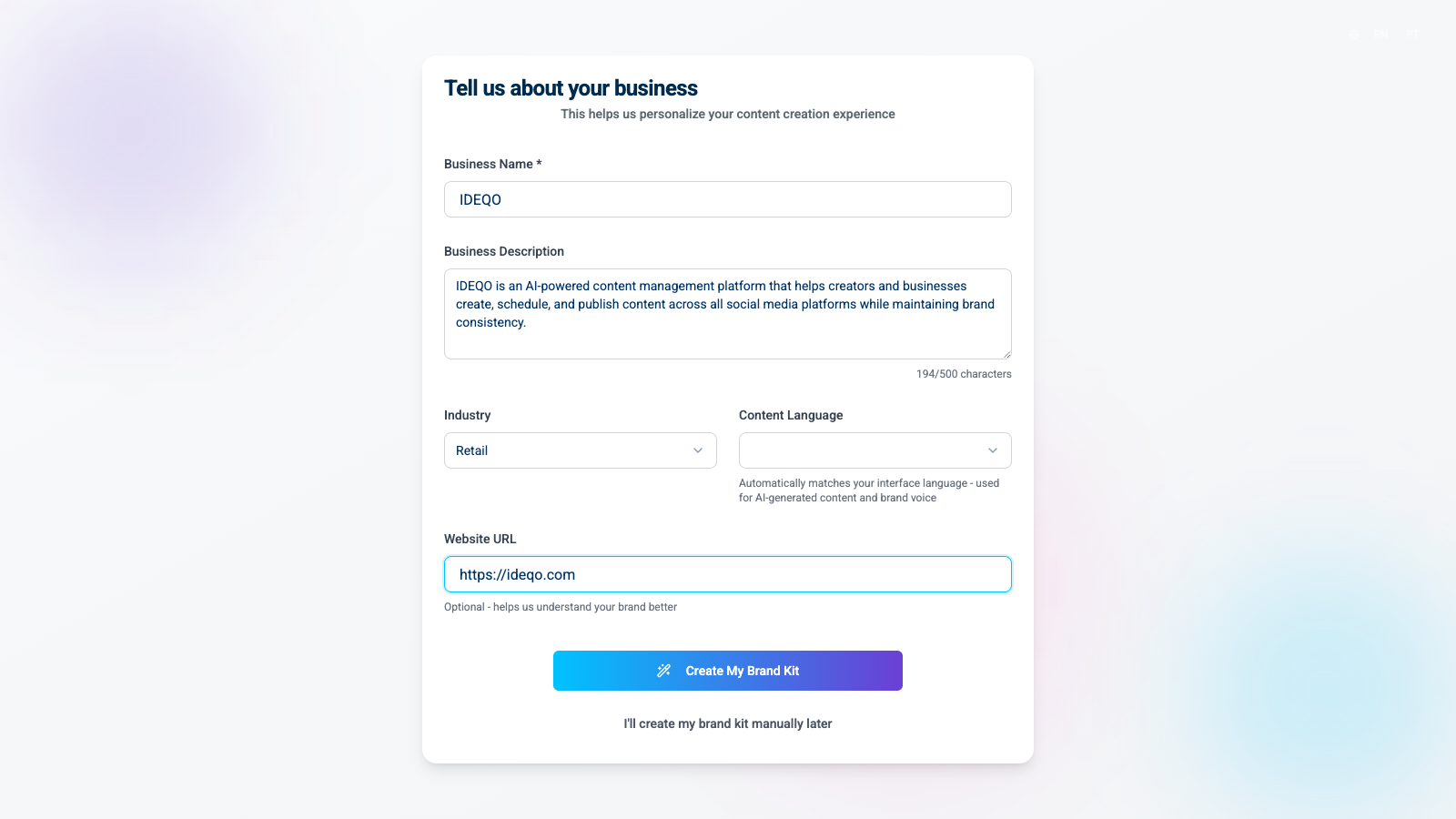
Click “Create My Brand Kit” when you’re ready.
IDEQO analyzes your business information and generates brand colors, fonts, and voice recommendations. This process takes about 30-60 seconds.
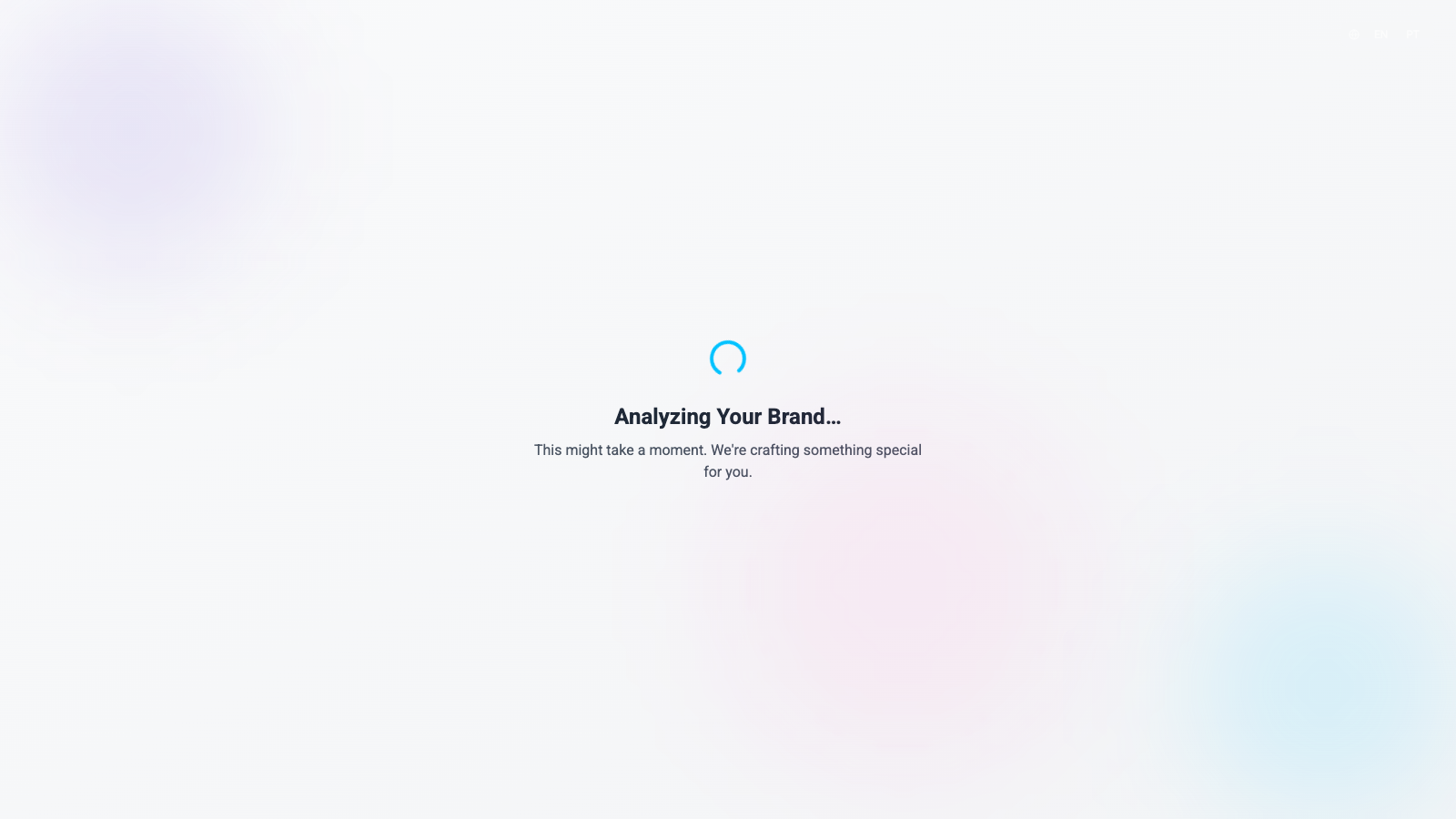
You’ll see progress messages like “Analyzing Your Brand…” and “Analyzing your content flow” while IDEQO works.
Once generation is complete, you’ll see a review page with IDEQO’s recommendations:
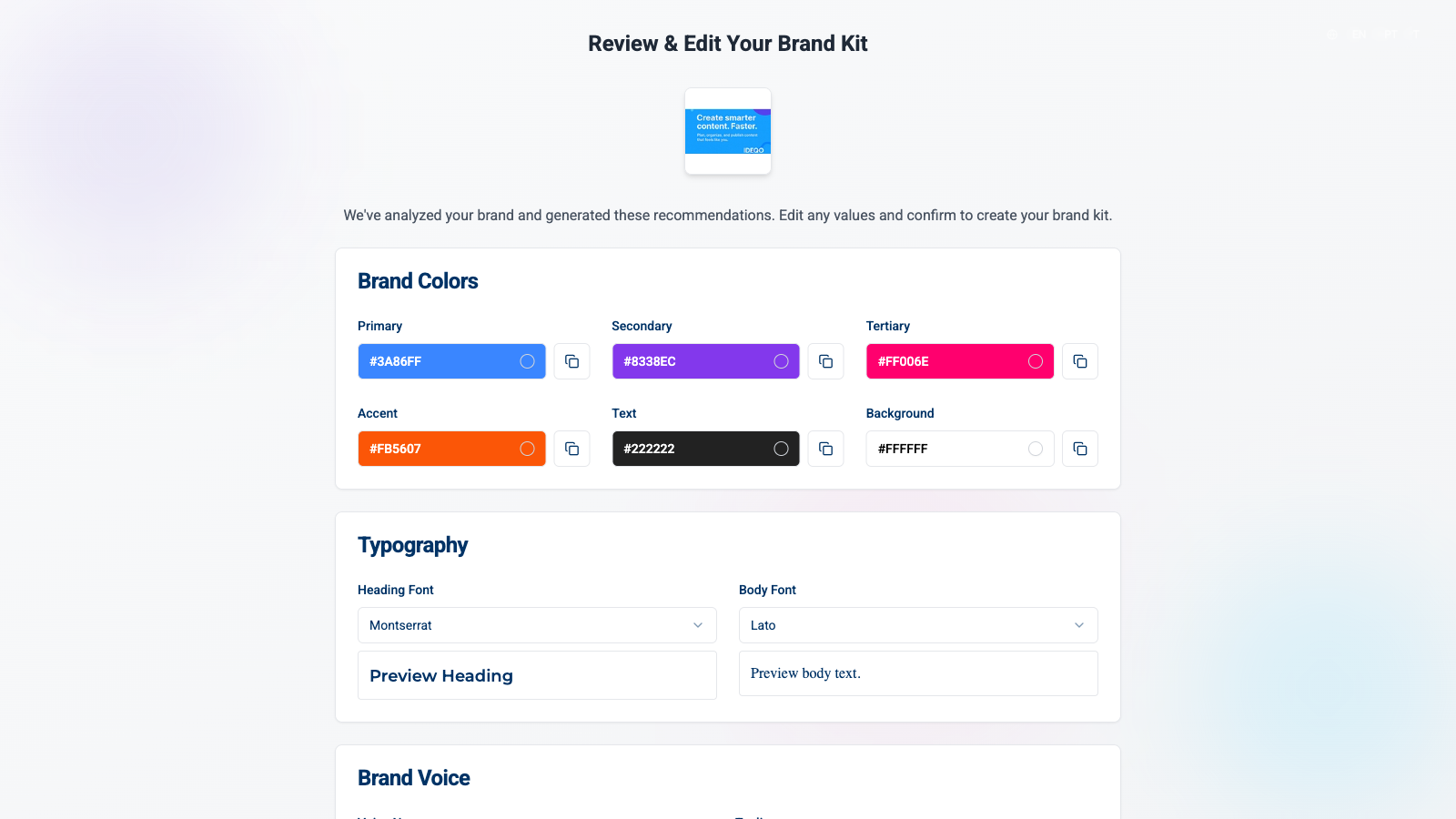
You can:
After confirming, you’ll see a success screen and be redirected to your dashboard.
Once onboarding is complete, you’ll land on your dashboard. IDEQO may prompt you to connect your first platform (like Instagram) as a next step.
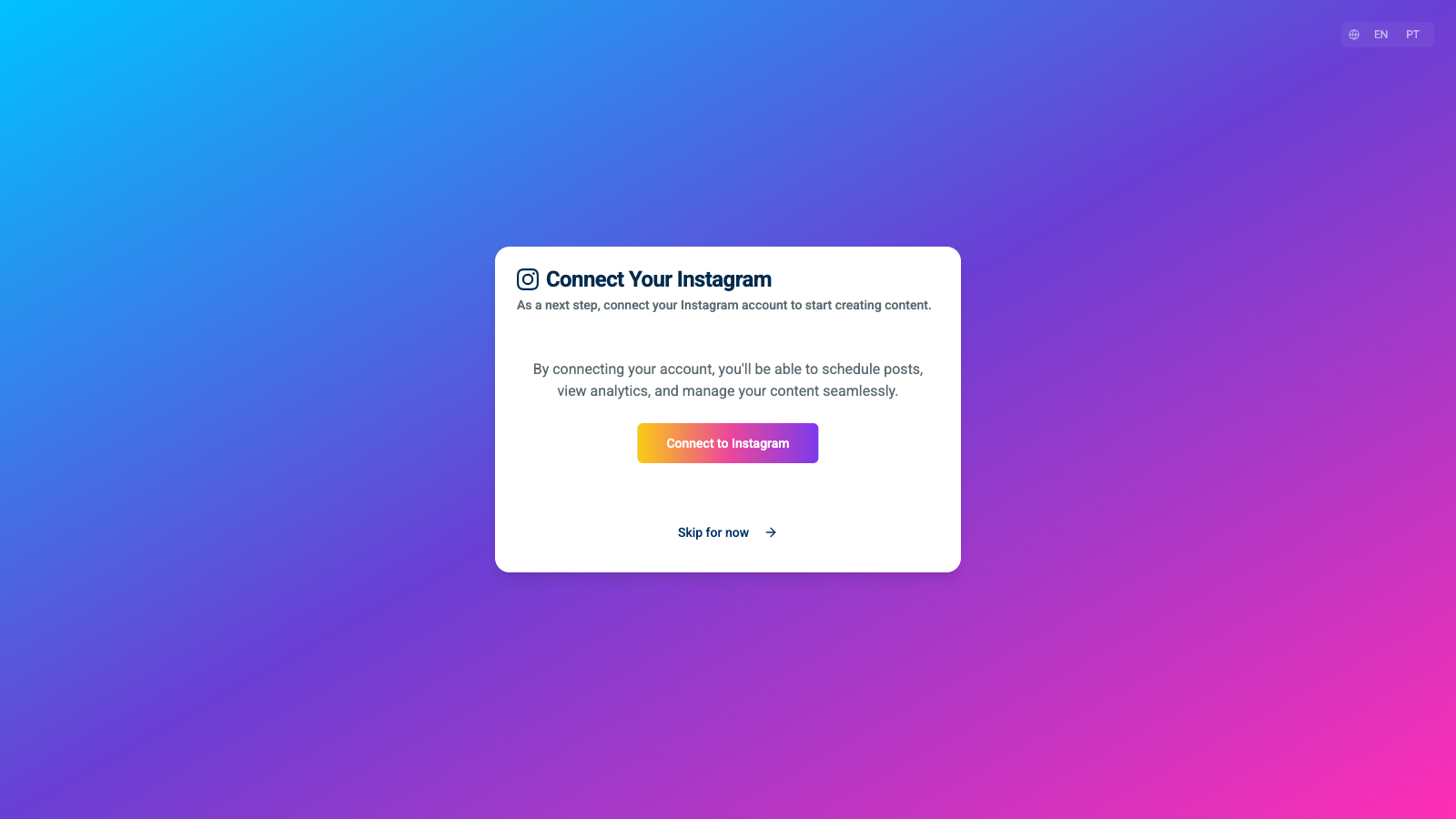
You can:
Learn how to customize your brand kit colors, fonts, and voice. Customize Brand Kit →
Link Instagram, LinkedIn, Twitter, or any other channel. Connect now →
Do I need a credit card for the free trial?
No. The 7-day trial is completely free with no card required.
Can I skip the brand kit setup?
Yes. You can click “I’ll create my brand kit manually later” during onboarding, or set it up later from Settings.
How long does brand kit generation take?
Usually 30-60 seconds. IDEQO analyzes your business information to create personalized recommendations.
Can I edit my brand kit after creation?
Yes. You can edit colors, fonts, and brand voice anytime from Settings > Brand Kit.
What happens after the trial ends?
You’ll be prompted to choose a plan. Your data stays safe and accessible. View plan options →
Can I cancel anytime?
Yes. No contracts. Cancel with one click from Settings.
Questions? Contact support or check the FAQ.