

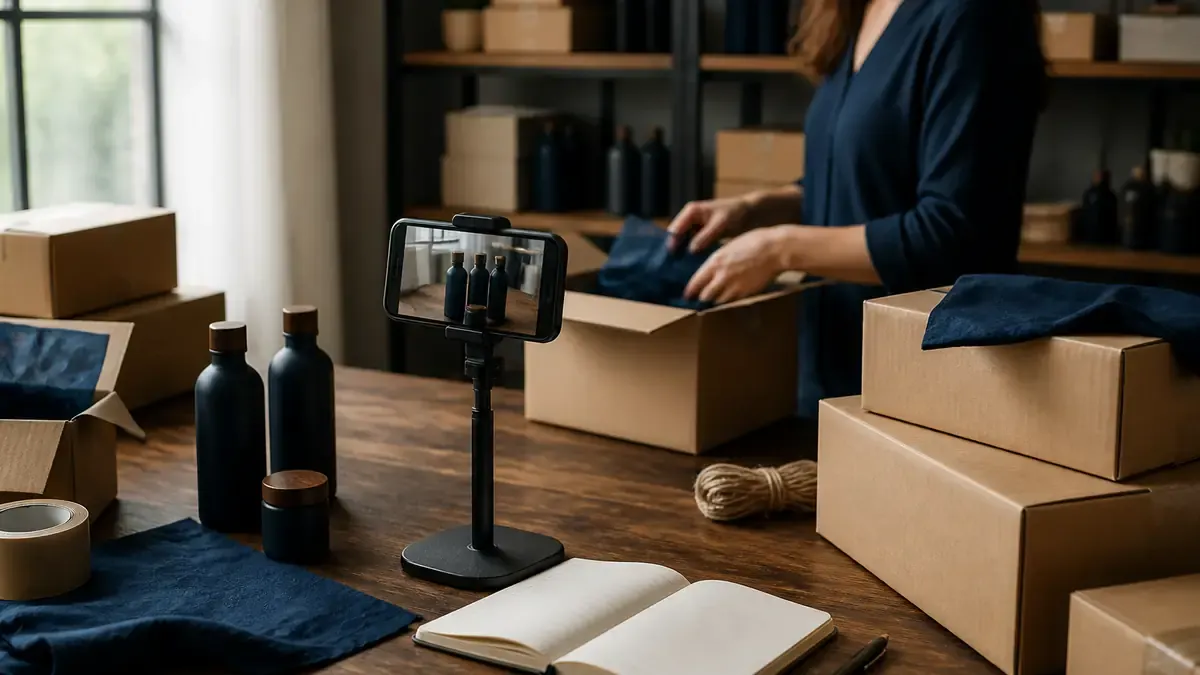
Going viral on TikTok without a clean purchase path leaves money on the table. Bio links still work. Scheduled product posts still help discovery. TikTok Shop is the layer that lets eligible Shopify stores sell inside the app through shoppable videos, Live, and the Shop tab.
Shopify describes TikTok Shop as a social commerce surface where buyers can purchase without leaving TikTok, and projects US TikTok Shop sales at $23.41 billion in 2026 (Shopify). Connecting through the TikTok sales channel keeps catalog, inventory, and orders aligned with Shopify so fulfillment stays in one admin (Shopify).
If you already have a content system from TikTok for small ecommerce stores, use Verify-Sync-Tag-Fulfill below to turn that attention into an operable Shop, not a half-finished Seller Center tab.
Key Takeaways
- Verify before you scale: Confirm market eligibility, business docs, and catalog quality before you sync every SKU.
- Sync through Shopify’s TikTok channel: Connect the sales channel so catalog, inventory, and orders stay in one admin.
- Tag what the video actually sells: Shoppable videos and Live need precise product attachments, not a full catalog dump.
- Fulfill like any other channel: Treat TikTok orders as Shopify orders with Shop-specific SLAs and fee awareness.
Why TikTok Shop is different from posting to TikTok
Posting products to your feed and selling through TikTok Shop solve different jobs.
Feed posts (manual or scheduled) earn discovery. Viewers who like the demo still have to leave for your storefront or link in bio. TikTok Shop puts listings on surfaces Shopify calls out explicitly: the Shop bag on your profile, the Shop tab, shoppable videos with product links during watch, and Live shopping with embedded listings (Shopify).
That changes the ops checklist:
- Eligibility and verification have to pass before listings go live
- Product data must meet TikTok listing standards, not only Shopify PDP standards
- Content must attach the right SKUs while attention is hot
- Orders need the same packing discipline as any other sales channel
Keep auto-posting Shopify products to TikTok for discovery volume. Use this guide for the Shop connection. For research-heavy demos on another platform, pair Shop with YouTube Shopping on Shopify instead of treating every video surface as identical.
The Verify-Sync-Tag-Fulfill framework
Most Shopify teams stall in one of two places: they never finish Seller Center verification, or they sync everything and then ignore listing quality. Verify-Sync-Tag-Fulfill keeps the work sequential.
Phase 1: Verify
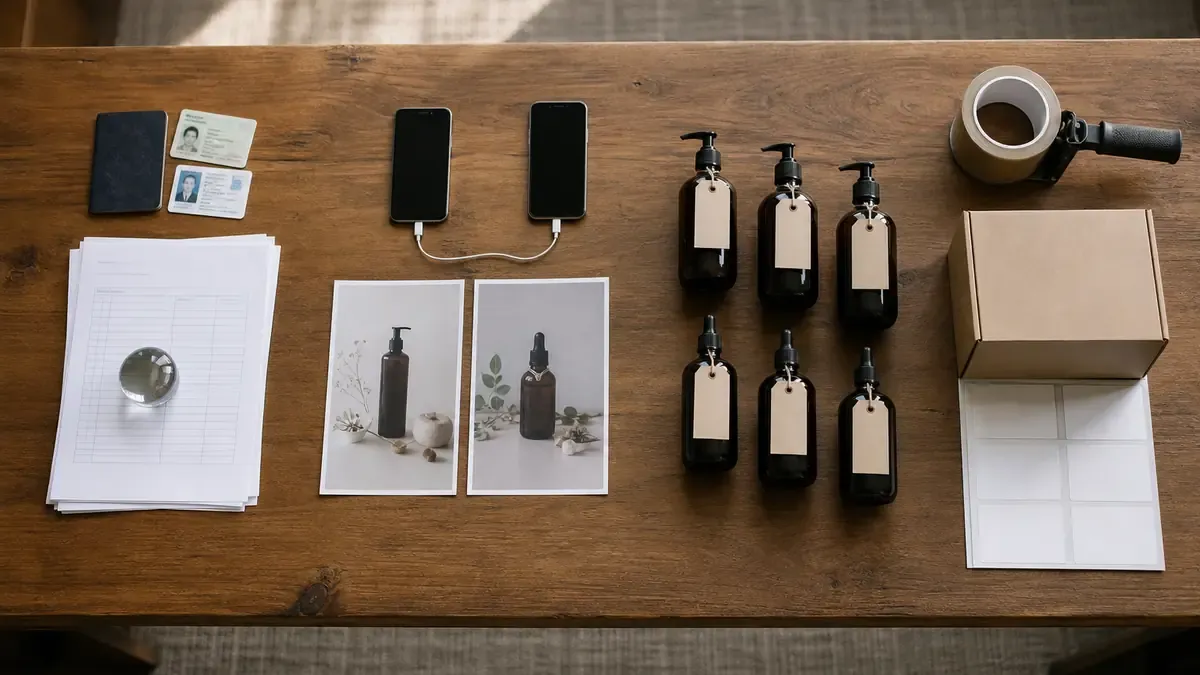
Goal: confirm you can open a Shop and that your store will not fail review on basic compliance.
Shopify’s TikTok for Business guide summarizes US Shop basics: store based in the US, account in good standing, seller at least 18, and products that comply with TikTok Shop’s Prohibited Products Policy. Listings need a clear title, at least one photo, a price, and a shipping option (Shopify). Shopify’s broader shopping overview also notes TikTok Shop availability in select markets beyond the US, with documentation that changes by business type and region (Shopify).
Verify checklist:
- Business account ready (TikTok business profile set up with clear bio and brand-consistent name)
- Legal business details and ID ready for Seller Center
- Return policy live on the online store
- Verifiable address in Shopify Locations
- Top products free of prohibited categories
- Titles, photos, prices, and shipping options complete for the SKUs you plan to sync first
Start with a short list of best sellers, not the entire catalog. Thin titles and mismatched images get you rejected or ignored once shoppers open the listing.
If product copy is still weak, tighten it with the habits in the SEO product descriptions guide for Shopify before you expect Shop search or video tags to convert.
Phase 2: Sync
Goal: connect Shopify to TikTok Shop so catalog, inventory, and orders stay honest.
Shopify’s setup path through the sales channel is straightforward once verification is underway (Shopify; Shopify):
- In Shopify admin, open Settings, then Sales channels, then Shopify App Store
- Search for TikTok and add the official channel
- On the Set up TikTok Shop page, connect and sign in to your TikTok Business account
- Review TikTok Shop Merchant Terms and connect
- Verify shop information and upload the required documents
- Finish identity, banking, and tax steps in TikTok Seller Center when prompted
- Select which products to sync and review titles, descriptions, and images against TikTok’s listing standards
- Finish setup so approved products can appear on shoppable videos, Live, and the Shop tab
What Shopify says the integration syncs (Shopify):
- Catalog: products published to the TikTok sales channel become TikTok Shop listings
- Inventory: stock levels update across both platforms
- Orders: TikTok Shop orders land in Shopify admin with TikTok as the source channel
- Fulfillment: pack and ship with Shopify Shipping or your existing 3PL like any other order
Fee awareness belongs in Sync, not after your first viral week. Shopify notes a 6% referral fee on most US product categories, calculated on the customer’s payment plus platform-funded discounts, minus tax (Shopify). Build that into margin checks before you push low-ASP impulse SKUs.
Sync checklist:
- Official TikTok channel installed (not a random unofficial connector)
- Correct Business account connected
- Seller Center verification complete or clearly in review
- First wave of SKUs reviewed for title, image, price, and shipping
- Inventory truth matches what you can actually ship this week
Phase 3: Tag
Goal: attach products where the video or Live already creates intent.
Once the Shop is live, discovery content without tags leaves shoppers hunting. Shopify highlights shoppable videos with product links during watch, Live listings while you demo, and the Shop presence on your profile (Shopify). A 2025 GlobalData survey cited by Shopify found that 76% of consumers who used TikTok Shop bought an item from a livestream in the prior year (Shopify). When you are ready to run that livestream, follow the live shopping guide for Shopify stores.

Tagging rules that protect trust:
- Attach the SKU that appears or is taught in the clip
- Prefer one clear hero product over a crowded shelf of unrelated items
- Update attachments when a colorway sells out
- Use Live product shelves for demos you can fulfill the same week
- Keep captions and on-screen promises aligned with the listing shoppers open
Content formats that earn tags:
- Short demos under thirty seconds
- Packing and quality-check clips
- Before-and-after or first-use setups
- FAQ answers customers already ask in comments
- Live Q&A with a focused product shelf
If you need stronger hooks for short demos, borrow structure from the Instagram Reels Shopify ops guide, then adapt the same Clip-first habit to TikTok vertical footage. Keep scheduled catalog posts from IDEQO as discovery support, not as a substitute for Shop tags. If your account has the photo-post beta, the TikTok Shoppable Carousels guide shows how to tag products on swipeable photo posts built from your Shopify media.
Phase 4: Fulfill
Goal: treat TikTok Shop as a real sales channel with Shopify-grade ops.
Orders appearing in Shopify admin is only half the job. TikTok shoppers expect fast shipping communication, accurate tracking, and clear returns. Shopify’s integration pitch is that fulfillment, tracking, and returns can live beside your other channels (Shopify).
Fulfill weekly loop:
- Filter Shopify orders by TikTok source and confirm SLA windows
- Pack the same day when possible during launch weeks
- Add tracking promptly so Seller Center metrics stay healthy
- Log repeat questions into PDP FAQs and future video scripts
- Review which tagged SKUs earn orders versus views only
Support questions will still arrive in comments and DMs. Use the triage habits from Shopify social media customer service so public threads stay useful while order details move private.
Measure Shop performance alongside content analytics. Views alone are not a Shop KPI. Track tagged video to order paths, Live conversion, and refund rate by SKU. For a broader multi-channel scoreboard, reuse the Shopify social media ROI guide.
A 60-minute TikTok Shop setup sprint
| Minutes | Action | Done when |
|---|---|---|
| 0-10 | Verify eligibility | Market, age, prohibited-product, and policy basics checked |
| 10-20 | Verify catalog | Top 8 SKUs have clear titles, photos, prices, and shipping |
| 20-40 | Sync the sales channel | TikTok channel connected and Seller Center verification started or finished |
| 40-50 | Tag two assets | One shoppable video and one Live or profile Shop path use real SKUs |
| 50-60 | Fulfill readiness | Packing checklist, tracking habit, and fee/margin note saved |
Common Shopify TikTok Shop mistakes
Treating Shop setup like installing another app. Verification and listing standards are the real work.
Syncing the entire catalog on day one. Start with products you can film, fulfill, and stand behind.
Running discovery posts with no Shop tags. Views without a purchase surface waste the attention you already earned.
Ignoring referral fees in margin math. A viral SKU with thin margin becomes an expensive lesson.
Leaving sold-out tags on evergreen demos. Dead inventory attachments tax trust and metrics.
Separating TikTok orders from Shopify packing rhythm. Late tracking and messy returns hurt Shop standing faster than weak creative does.
Assuming Shop replaces content. Shop without demos is a quiet storefront. Content without Shop is a longer path to checkout.
Put Verify-Sync-Tag-Fulfill on your store this week
Confirm eligibility and clean your first SKU wave. Connect Shopify’s TikTok sales channel and finish Seller Center verification. Tag two pieces of content with products the footage already sells. Then fulfill TikTok orders with the same discipline you use for every other channel.
If you want the supporting TikTok and Instagram posts around those shoppable demos to stay consistent, IDEQO’s content calendar can help you batch clips, keep CTAs aligned, and leave room for Live prep beside scheduled discovery posts. Start free with IDEQO. Free plan available. No credit card required.
TikTok Shop is not a shortcut past content. Verify-Sync-Tag-Fulfill gives busy Shopify teams a repeatable way to connect the sales channel, attach the right products, and fulfill what the feed sells.
Frequently Asked Questions
What is TikTok Shop for Shopify stores?
TikTok Shop is TikTok’s in-app marketplace. When you connect it through Shopify’s TikTok sales channel, catalog, inventory, and orders sync so shoppers can buy inside TikTok while you fulfill from Shopify admin.
Do I need TikTok Shop to sell on TikTok with Shopify?
No. You can still drive traffic with bio links and scheduled product posts. TikTok Shop adds in-app checkout and shoppable surfaces. Many stores run discovery content and Shop together.
Which countries can use TikTok Shop with Shopify?
Availability is limited by market. Shopify’s TikTok shopping overview lists select markets such as the US, UK, Indonesia, Malaysia, Thailand, Vietnam, and the Philippines, with verification rules that differ by location. Confirm current eligibility in Seller Center before you plan a launch.
What does the Shopify TikTok sales channel sync?
Shopify’s 2026 TikTok for Business guide says published products sync to TikTok Shop, inventory updates across both platforms, and TikTok Shop orders appear in Shopify admin with TikTok as the source channel so you can fulfill, track, and handle returns in one place.
How much does TikTok Shop charge Shopify sellers?
Shopify’s US guidance notes a 6% referral fee on most product categories, calculated on the customer’s payment plus any platform-funded discounts, minus tax. Confirm the fee schedule for your market and category in TikTok Seller Center before you sync every SKU.


