


Shopify already gives many stores a Shop sales channel. What a lot of merchants still miss is Posts: shoppable image and video content that can show up in the Shop feed for followers and new shoppers.
On April 7, 2026, Shopify renamed Updates to Posts and expanded how that content can reach people browsing Shop (Shopify Changelog). If you only treat Shop as package tracking, you leave a free discovery surface idle. Use the Clip-Caption-Connect-Compound framework below to turn product media you already shoot for social into Shop feed posts that tag real products.
Key Takeaways
- Treat Shop as a content channel: Posts can reach shoppers beyond your existing Shop followers.
- Use Clip-Caption-Connect-Compound: Reuse strong media, write a clear pitch, tag products, then keep publishing.
- Make every post shoppable: Tag products or a collection so the feed leads to purchase, not curiosity alone.
- Reuse social work: Import Instagram posts or sync app videos so you are not inventing a second content calendar from scratch.
What Shopify Posts are and why they matter
Posts are shoppable content inside the Shop channel. Shopify’s help docs describe them as image or video posts with a headline and caption that highlight products or collections for customers in Shop (Shopify Help Center).
That matters for three practical reasons:
- Discovery without another ad account. Posts can appear in the Shop home feed and are ranked by product relevance, not only shown to people who already follow you.
- Purchase path stays near Shopify. Shoppers can move from content to tagged products inside Shop instead of bouncing through a social bio link first.
- You already have the media. Product clips, packing videos, and styling stills you make for Instagram or TikTok are often reusable for Posts. If the clip already sits on the product as Shopify product video, download the original from Files and reuse it.
Shopify’s broader social commerce guidance still puts creator content and short-form video at the center of discovery (Shopify). Posts give that same content style a home inside Shop.
If you are still sorting platform priorities, start with the ecommerce social media strategy guide. This article assumes you already create product content and need a Shop feed system.
The Clip-Caption-Connect-Compound framework
Most stores already have fragments of this workflow. Clip-Caption-Connect-Compound turns those fragments into a repeatable Shop posting loop.
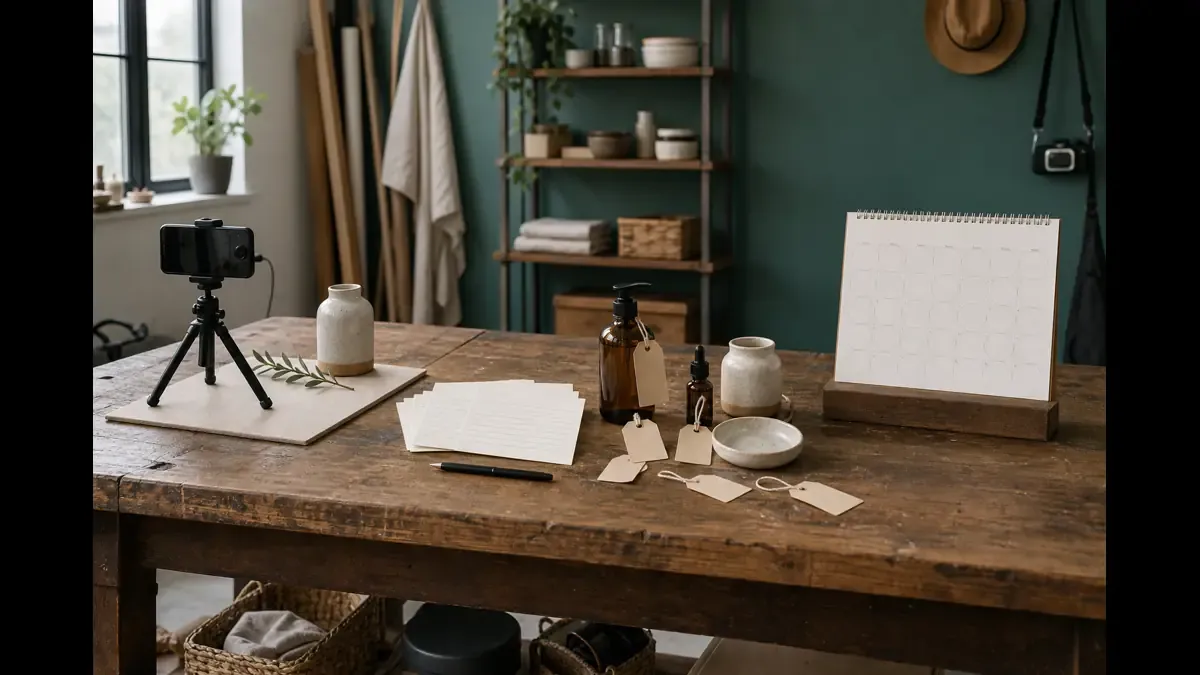
Phase 1: Clip
Goal: choose media that proves the product in under two minutes.
Shopify allows an image or a video up to two minutes and up to 100 MB for a manual post (Shopify Help Center). That is plenty for ecommerce. You do not need a mini documentary.
Strong Clip types for Shopify stores:
- Product in use: fit, pour, texture, sound, or before-and-after
- Decision help: size check, material close-up, bundle comparison
- Offer clarity: restock, limited drop, or seasonal set
- Trust proof: packing, shipping prep, or approved customer photos
Pull from content that already worked on social. A Reel that earned saves is a better candidate than a brand-new shoot you invent only for Shop. Your social media content ideas for Shopify stores list is useful when you need more Clip angles that still support a product tag.
Phase 2: Caption
Goal: tell the shopper what this is and why they should tap a tagged product.
Manual posts support a headline up to 50 characters and a caption up to 2,200 characters (Shopify Help Center). Use the short field like a shelf talker. Use the long field like a helpful product note.
A simple Caption formula:
- Headline: product plus outcome (“Leakproof bottle for gym bags”)
- Caption line 1: who it is for
- Caption line 2: one proof point
- Caption line 3: what to tap next
Avoid vague lines like “New drop alert.” Shop feed ranking cares about product relevance. Clear product language helps both the shopper and the feed.
Phase 3: Connect
Goal: make the post shoppable with the right products.

When you create a post manually, you can tag up to 10 products or one collection (Shopify Help Center). Tag what the content actually shows. A styling clip that tags eight unrelated SKUs feels like a catalog dump. A restock clip that tags the exact SKU feels like shopping help.
Connect checklist:
- Products meet Shop product requirements
- The hero SKU is tagged first
- Variants people ask about are available
- The collection tag is used only when the whole set is the point
- The media and tags tell the same story
Shopify’s changelog also notes that supported apps can sync shoppable video into Posts (Shopify Changelog). Use that when your video workflow already lives in a Shop-connected app. Do not add software just to feel modern.
Phase 4: Compound
Goal: keep Posts publishing so Shop can keep ranking and showing your content.
Compound is the operating rhythm:
- Publish or schedule the post from the Shop channel Posts page
- Keep multiple posts live when they still represent current inventory
- Import recent Instagram content when that saves production time
- Review which posts earn Shop traffic and sales
- Feed winners back into your social calendar
Shopify says posts can appear in the Shop home feed, on your Shop Store, and in the Following tab for customers who follow your store (Shopify Help Center). That is why consistency beats a one-time launch post. One clip is a test. A weekly cadence is a channel.
You can also connect Instagram so recent Reels, image posts, and carousels import as Shop posts, with new Instagram content syncing as you publish (Shopify Help Center). That is useful, but do not treat import as strategy. Weak Instagram filler becomes weak Shop filler. Curate before you sync.
How to create your first Shopify Post in admin
Use this path when you are ready to publish manually:
- Open Sales channels > Shop in Shopify admin
- Go to Posts
- Create a new post with your image or video
- Add a headline and caption
- Tag up to 10 products or one collection
- Schedule now or later, and set an expiration date only if the offer truly ends
- Publish, then check the post on your Shop Store
Shopify’s changelog points merchants to the Posts page inside the Shop channel for both manual creation and supported app connections (Shopify Changelog). If a published post does not display as expected, Shopify’s help docs say to contact Shopify Support after checking content policy compliance.
Keep policy in mind. Posts need to follow Shopify’s Acceptable Use Policy and Shop content policies (Shopify Help Center). That is not paperwork theater. A rejected post wastes the Clip and Caption work.
A weekly Shop Posts plan for small Shopify teams
Use this as a default when one person owns both social and Shop content.
| Day | Clip source | Caption job | Connect target |
|---|---|---|---|
| Mon | Best product proof Reel from last week | Outcome-led headline | Hero SKU plus one related accessory |
| Wed | FAQ or comparison still | Objection answer in caption | Exact SKUs compared in the media |
| Fri | Restock or packing clip | Offer clarity plus deadline only if real | Collection or the restocked SKU |
Three Posts a week is enough to start. Pair them with the social posts you already planned in your social media content calendar for Shopify. Add one column labeled “Shop Post reuse?” so strong social clips get a second life instead of dying in the camera roll.
During launch weeks, borrow the phases from the Shopify product launch social media plan. Use social for broad Spark and Spotlight. Use Shopify Posts for shoppers already browsing Shop who never saw the Reel.
How Shopify Posts fit with Instagram, TikTok, and your store
Think in jobs, not rival platforms.
- Instagram and TikTok: earn attention from people who were not shopping yet
- Shopify Posts: meet high-intent Shop browsers with shoppable proof
- Your online store: own checkout, email capture, and retention
Meta shopping and TikTok Shop still matter for discovery and native selling when those channels fit your audience. Shopify’s own social commerce overview covers how creator content and short-form video keep driving product discovery across platforms (Shopify). Posts are the owned-adjacent layer where the content lives closer to your Shopify customer relationship.
If you came here wondering whether Shopify can schedule Instagram or TikTok posts, the short answer is still no. Native Shop Posts are not a replacement for a social media scheduler for Shopify. They solve a different problem: publishing shoppable content into Shop.
How to measure whether Shopify Posts are working
Do not invent a vanity scoreboard. Tie Posts to store outcomes.
Track these each week:
- Shop sessions or Shop channel traffic after publishing
- Orders and sales associated with Shop
- Which tagged products appear in those orders
- Which Clip types earn the most follow-through
Use the same discipline from the Shopify social media ROI guide. Platform likes are a content health signal. Store sessions, orders, and sales are the scoreboard.
If Posts earn views but no product taps, fix Connect. If taps happen but no orders, fix the offer, PDP, or inventory. If nothing earns distribution, fix Clip quality and posting consistency before you blame the feed.
Common Shopify Posts mistakes
Leaving the Posts page empty after the rename. Updates became Posts. The channel still needs content.
Publishing beautiful media with no product tags. Without Connect, you made a mood board.
Tagging your whole catalog on every clip. Relevance beats volume. Tag what the shopper can see.
Importing every Instagram post automatically forever. Curate. Evergreen product proof and launch clips usually beat memes and soft life filler.
Treating Posts as a one-week experiment. Compound needs a cadence. One post cannot teach you much.
Expecting Shop Posts to replace social. Different jobs. Social finds strangers. Posts meet shoppers already in Shop.
Ignoring expiration and inventory. If a tagged SKU sells out or an offer ends, update or expire the post so the shoppable promise stays honest.
Put Clip-Caption-Connect-Compound on the calendar
Pick one product clip this week. Write a clear headline. Tag the real SKUs. Publish it from Shop > Posts. Then schedule the next two before the week gets noisy.
If you want the social half of that system in one place, IDEQO’s content calendar can help you batch the Clips, keep captions consistent, and mark which posts should also become Shopify Posts. Start free with IDEQO. Free plan available. No credit card required.
Shopify Posts will not replace Instagram or TikTok. They give your best product stories a shoppable second life inside Shop. Clip-Caption-Connect-Compound is how busy Shopify teams run that channel on purpose.
Frequently Asked Questions
What are Shopify Posts?
Shopify Posts are shoppable image or video posts you publish through the Shop sales channel. They can appear in the Shop home feed, on your Shop Store, and in the Following tab for customers who follow your store.
How is Shopify Posts different from the old Updates feature?
Shopify renamed Updates to Posts on April 7, 2026. Posts can reach followers and new shoppers in the main Shop feed, where content is ranked by relevancy, instead of staying limited to people who already follow your store.
Can I import Instagram posts into Shopify Posts?
Yes. Shopify lets you connect Instagram so recent Reels, image posts, and carousels can import as Shop posts, with new Instagram posts syncing as you publish. You can also create posts manually or sync videos from supported apps.
How many products can I tag in a Shopify Post?
When you create a post manually, you can tag up to 10 products or one collection. Tag only products and collections that meet Shop requirements so the shoppable links stay valid.
Does Shopify Posts replace Instagram or TikTok marketing?
No. Use Instagram and TikTok for broad discovery, then reuse strong clips as Shopify Posts so Shop app shoppers can buy inside Shopify's ecosystem with your customer data attached to the sale.


