


Key Takeaways
- Shopify has no built-in social media scheduler. Its native social features are catalog sync tools (Instagram Shopping, TikTok Shop, Pinterest) — not post scheduling.
- Catalog sync ≠ post scheduling. Connecting Instagram Shopping lets products be purchased on Instagram. It does not publish posts to your followers’ feeds.
- Two types of schedulers work with Shopify: catalog-native apps (IDEQO, Outfy) that auto-post from your product inventory, and standalone schedulers (Buffer, Later) where you create and upload content manually.
- Free options exist. IDEQO’s free plan includes 1 Shopify integration and 1 automation. Buffer’s free plan covers 3 channels to schechule manually.
- For the full ranked comparison of Shopify schedulers, see Best Social Media Scheduler for Shopify in 2026.
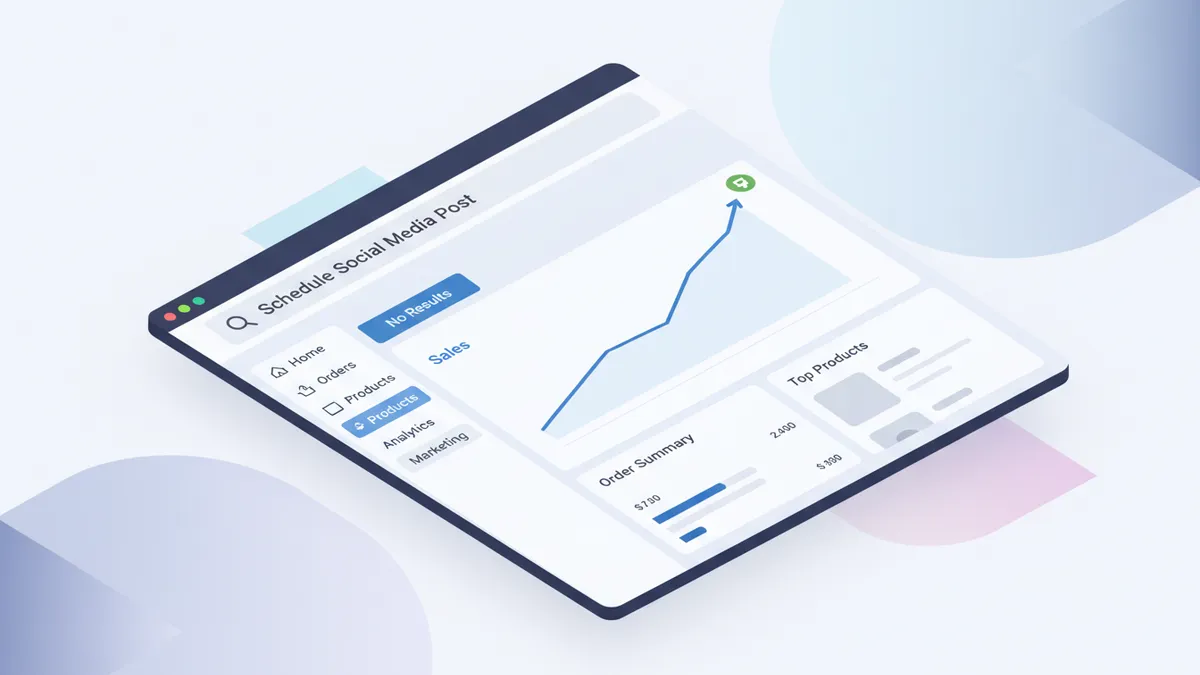
No. Shopify does not have a built-in social media scheduler.
Shopify gives you a storefront, product management, checkout, and analytics. It has native integrations with Facebook Shops, Instagram Shopping, TikTok Shop, and Pinterest for selling directly on those platforms. But there is no feature inside Shopify for scheduling posts to go out on a time delay, managing a content calendar, or automatically publishing product content to social channels.
If you have been looking for a “schedule social media posts” button inside Shopify and cannot find it, that is because it does not exist.
Here is what Shopify does have, what it cannot do, and how Shopify store owners typically handle social media scheduling.
What Shopify Does Have for Social Media
Shopify’s native social features are built around shopping integrations, not content scheduling:
Facebook and Instagram: Shopify connects to Facebook Shops and Instagram Shopping. You can sync your product catalog so products appear in Instagram Shopping and Facebook Shops, and buyers can purchase without leaving the social platform. This is catalog distribution, not post scheduling.
TikTok Shop: Shopify has a native TikTok Shop integration that syncs your product catalog to TikTok Shop. Similar to Instagram Shopping: products become purchasable through TikTok, but you are not scheduling posts through Shopify. For the full connect-and-verify path, see the TikTok Shop Shopify setup guide.
Pinterest: The official Pinterest Shopify app syncs your product catalog as Rich Pins with live pricing and availability. Products become discoverable in Pinterest Shopping. Again, catalog sync, not post scheduling.
Shopify Email: Shopify includes a basic email marketing tool for sending campaigns to your subscriber list. This handles email scheduling, not social media posts.
Shopify Inbox: A customer messaging tool for handling chat conversations. Not related to social scheduling.
Shopify Posts: The Shop channel lets you publish shoppable image and video posts into the Shop feed. That is useful owned discovery inside Shop, but it is not a scheduler for Instagram, TikTok, or other social networks. See the Shopify Posts Shop feed guide for that workflow.
Shopify Collabs: An affiliate marketing app for recruiting creators, sending gifts or codes, tracking attributed sales, and paying commissions. Useful for creator partnerships, but still not a social scheduler. See the Shopify Collabs creator affiliate guide.
None of these tools let you draft a post, set a time and date, and have it publish to Instagram or TikTok automatically. That functionality is not part of Shopify.

Why Shopify Does Not Include a Social Media Scheduler
Shopify’s core product is commerce infrastructure: the storefront, checkout, payments, inventory, shipping, and analytics that run a store. Social media scheduling is a distinct category of software, and building it well requires deep platform integrations with Instagram, TikTok, Pinterest, LinkedIn, X, and YouTube, each of which has its own API, content requirements, and publishing rules.
Rather than building a scheduler that competes with dedicated tools, Shopify offers an App Store with third-party scheduling apps that plug directly into your store. The Shopify App Store has dozens of social media tools, ranging from simple schedulers to full automation platforms with AI caption generation.
How Shopify Store Owners Schedule Social Media Posts
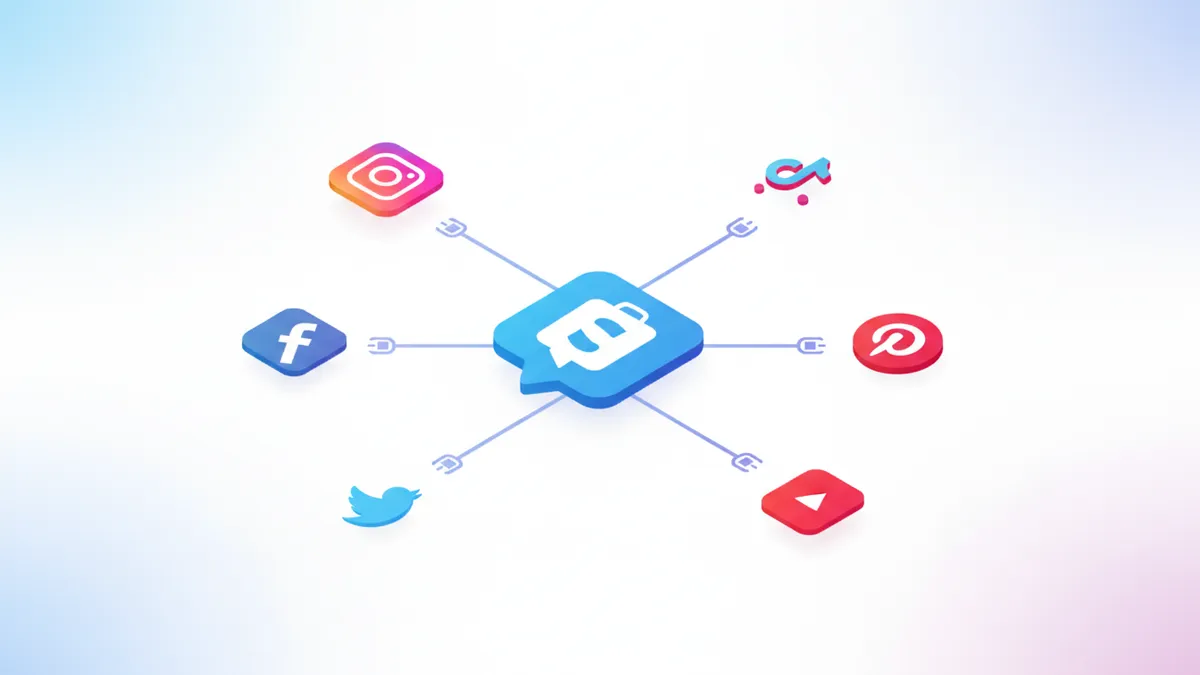
There are two categories of tools store owners use:
1. Shopify-native social media apps (installed from the Shopify App Store)
These apps connect directly to your Shopify product catalog and can generate and schedule posts automatically. The best ones pull product images, titles, prices, and descriptions from your catalog so you are not creating each post from scratch.
IDEQO is a native Shopify App Store app that connects to your product catalog and generates posts with your Brand Kit applied: your colors, logo, and fonts on every piece of content. It supports Instagram, TikTok, Facebook, Pinterest, LinkedIn, X, and YouTube. Brand Voice AI writes captions in your store’s tone automatically. Free plan available; paid plans from $15/month billed annually ($20/month month-to-month).
Outfy connects to your Shopify catalog and automates posting to Instagram, Facebook, Pinterest, and TikTok. Template-driven output without Brand Kit controls.
2. Standalone social media schedulers (not Shopify-specific)
These tools are not built for Shopify specifically but work alongside it. You create or upload content manually, then schedule it to go out on a specific date and time.
Buffer covers Instagram, TikTok, Facebook, Pinterest, LinkedIn, X, and YouTube. Clean scheduling interface, no Shopify catalog integration. From $6/month per channel.
Later handles Instagram, TikTok, Facebook, Pinterest, LinkedIn, and YouTube with a visual content calendar and Instagram grid planner. From $16.67/month.
Hootsuite and Sprout Social are enterprise options for stores with marketing teams managing high volumes of content.
The Difference Between Shopify’s Social Integrations and a Scheduler
It is worth being clear on the distinction, because Shopify’s native social features can look like scheduling at first glance.
When you connect Instagram Shopping to Shopify, your products become shoppable on Instagram. Someone browsing Instagram can find your product through a tag and buy it. But you did not schedule a post. Your products are listed in Instagram’s catalog.
When you use IDEQO or Buffer to schedule a post, you are creating content that will appear in someone’s social media feed at a specific time. A styled photo, a video, a carousel with a caption, published at Tuesday at 2 PM. That is what scheduling does.
Shopify handles the catalog side. A scheduler handles the content publication side. Most stores that want consistent social media presence use both: Shopify’s native integrations for shopping discoverability, and a third-party scheduler for proactive content publishing.
Which Scheduler Is Right for Your Shopify Store?
The right answer depends on your workflow: do you want posts generated automatically from your product catalog, or do you prefer to create content manually and just need a queue?
Catalog automation (posts come from your Shopify inventory): IDEQO and Outfy both pull from your store directly. IDEQO adds Brand Kit enforcement so every post looks like your brand. Outfy is higher volume with less brand control.
Manual creation with a scheduling queue: Buffer and Later are the cleanest options. You build your own content, upload it, and schedule it. No Shopify catalog connection, but reliable publishing across platforms.
For a full ranked comparison — pricing, platform coverage, Brand Kit, and Shopify-specific features for every major tool — see Best Social Media Scheduler for Shopify in 2026.
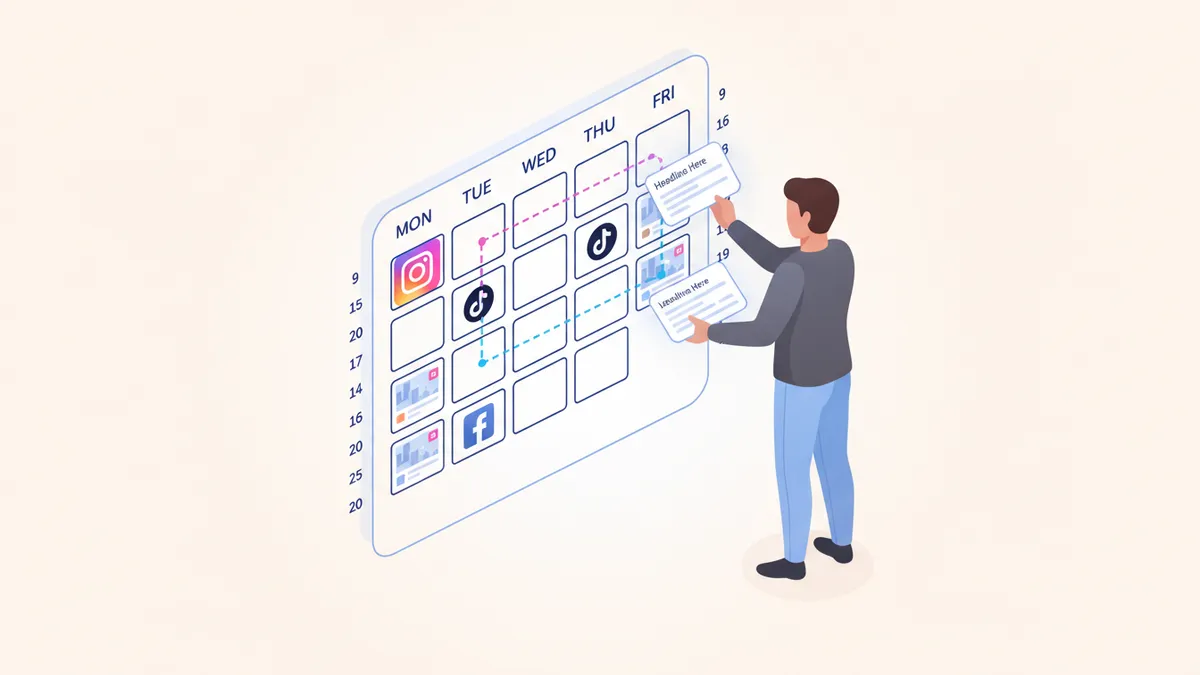
For most store owners without a dedicated marketing team, IDEQO’s free plan is the simplest starting point. It connects to your store, generates product posts, and handles Instagram, Pinterest, and other channels automatically. See automating your Shopify social media posting for the full setup walkthrough.
What to Look for in a Shopify Social Media Scheduler
Not every scheduler integrates with Shopify in a meaningful way. Here is what separates tools built for ecommerce from general schedulers:
Shopify catalog sync. Can the tool pull your products automatically, or do you upload everything manually? A true Shopify-native tool reads your catalog in real time, so new products, price changes, and inventory updates flow into your social content without extra work.
Brand Kit enforcement. Shopify stores often have inconsistent social output because each post is designed separately. A scheduler with Brand Kit applies your colors, logo, and fonts automatically to every generated post, keeping the feed consistent without manual design decisions on every piece of content.
Platform coverage. Most Shopify stores need at minimum Instagram, Pinterest, and TikTok. If your scheduler only covers two of the three, you are still managing multiple tools. Check that the platform list matches where your customers actually are.
Pricing that fits a small team. Agency tools like ContentStudio or Sprout Social are priced for teams managing multiple clients. For a solo operator or a store with one or two people handling marketing, a tool with straightforward per-store pricing makes more sense than per-seat or per-workspace pricing.
Frequently Asked Questions
Can I schedule Instagram posts from Shopify?
No. Shopify's Instagram integration syncs your product catalog so products appear in Instagram Shopping, but it does not let you schedule posts to appear in your followers' feeds. To schedule Instagram posts, you need a third-party scheduling tool like IDEQO, Buffer, or Later that you install separately.
Does Shopify have a social media calendar?
No. Shopify does not include a social media content calendar. If you want to plan and schedule posts in advance across a calendar view, tools like Later (which has a strong visual calendar) or IDEQO (which has a scheduling dashboard connected to your Shopify catalog) provide that functionality.
Can I post to TikTok directly from Shopify?
Shopify's TikTok integration connects your catalog to TikTok Shop for product discovery and purchasing. It does not let you create and schedule TikTok posts from Shopify. For scheduling video posts to TikTok on a time delay, you need a social media scheduling app like IDEQO or Buffer.
What is the best social media scheduler for Shopify?
For Shopify stores, the best scheduler depends on whether you want catalog automation or manual posting. If you want posts to generate automatically from your product catalog with your brand applied, IDEQO is purpose-built for that. If you prefer to create your own content and schedule it, Buffer and Later are both clean options with broad platform coverage.
Is there a free social media scheduler for Shopify?
Yes. IDEQO has a free plan that includes 1 Shopify store connection and 1 social automation. Buffer also has a free plan covering up to 3 channels with up to 10 scheduled posts per channel.
Does Shopify have any built-in marketing automation?
Shopify has built-in tools for email marketing (Shopify Email), customer segmentation, and abandoned cart recovery. These cover customer lifecycle marketing. For social media marketing automation, you need a third-party app from the Shopify App Store. Shopify's own native tools do not include scheduled social posts or social media content calendars.