

Key Takeaways
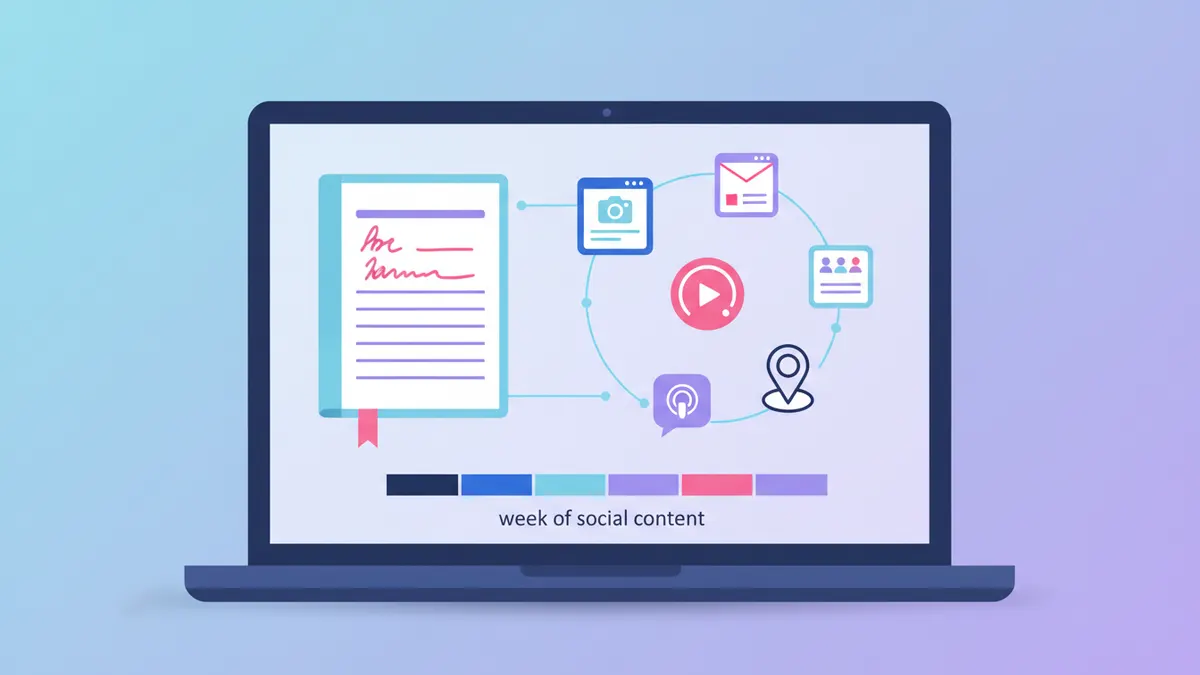
- One 1,000-word blog post can fuel 5-7 platform-specific social posts without writing a single new idea from scratch.
- Content repurposing is not cross-posting. Adapting your message for each platform is what makes it work.
- Marketers who build repurposing into their workflow consistently report higher ROI per piece. It’s the biggest lever most Shopify stores aren’t using.
- A good content repurposing strategy starts with an inventory: pull every tip, stat, and section header from your post before deciding what to post where.
- Batching your repurposing in one 60-90 minute session is faster and more consistent than doing it day by day.
- IDEQO’s content calendar lets you schedule the full week of repurposed posts at once, so your feed stays active without daily effort.
You wrote a blog post. You published it. You shared the link on Instagram.
That was Monday. By Thursday, the post had 40 views, a handful of those from your own phone. Then you started thinking about what to write next.
This is how most Shopify stores treat content. Write once, share once, move on. It’s also why most blogs generate almost no traffic after the first 72 hours.
The problem isn’t that you didn’t promote it enough. It’s that one link share on Instagram is not a plan to repurpose a blog post for social media. And knowing how to repurpose a blog post for social media is the difference between one post fading into the archive and that same post generating traffic, shares, and saves all week long.
Why a content repurposing strategy outperforms creating new content
Here’s the math that makes this clear.
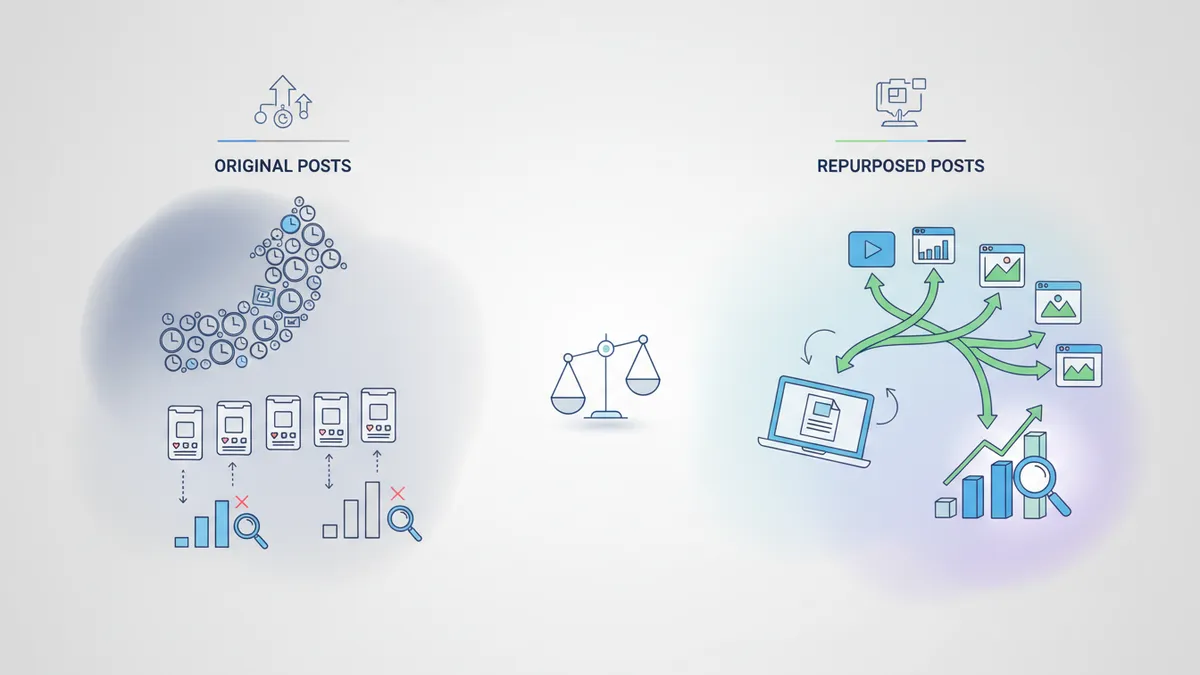
Most Shopify store owners spend 2-4 hours writing a single blog post. They spend maybe 10 minutes promoting it. The ratio is backwards.
Marketers who build repurposing into their workflow consistently report better ROI and more leads per piece than those creating new content for every platform from scratch. That’s not because repurposed content is better writing. It’s because it reaches people on more platforms, in more formats, at more points in the week.
Your blog audience and your Instagram audience are not the same people, even if they’re both your customers. Someone who skipped your blog post because they don’t click links in their feed might save your Instagram carousel built from the same ideas. Someone who ignored your Instagram post might stop scrolling when the same insight shows up as a LinkedIn text post on a Tuesday morning.
One idea, adapted and distributed well, does the work of five original posts.
For a fuller picture of why platform-specific content matters, see our breakdown of why cross-posting the same content everywhere kills reach.
Start with a content repurposing inventory
Before you open a single platform or start writing captions, read through your blog post and pull everything out.

Go section by section. For each H2, ask: what’s the single most useful thing in this section? What’s the most specific number or claim? What’s the before/after or contrast? Write each answer down. Don’t edit yet.
A 1,000-word blog post with five H2 sections will typically give you 8-10 distinct ideas this way. That’s more posts than you need for a week.
Then sort what you have into three buckets:
Stats or claims worth sharing alone. These become X/Twitter posts or Instagram single-image posts. One number, one sentence of context, one takeaway.
Step-by-step or list content. These become carousels on Instagram or LinkedIn. Five tips becomes five slides. Each slide is one complete thought.
Stories or observations. These become LinkedIn text posts or longer Instagram captions. The personal angle, the “here’s what I noticed” take.
You don’t need every idea to turn into a post. Pick the five or six that are specific, concrete, and genuinely useful to someone who never reads the original article.

The week in practice: a hypothetical example
Here’s what this looks like from a hypothetical Shopify product post. Say your store sells natural soy candles, and you published a blog post called “5 Reasons Your Candle Loses Its Scent Too Fast.”
The inventory pull gives you: a stat about wick trimming reducing scent retention, a before/after on burn time, a tip about room temperature, and a comparison between soy and paraffin throw distance.
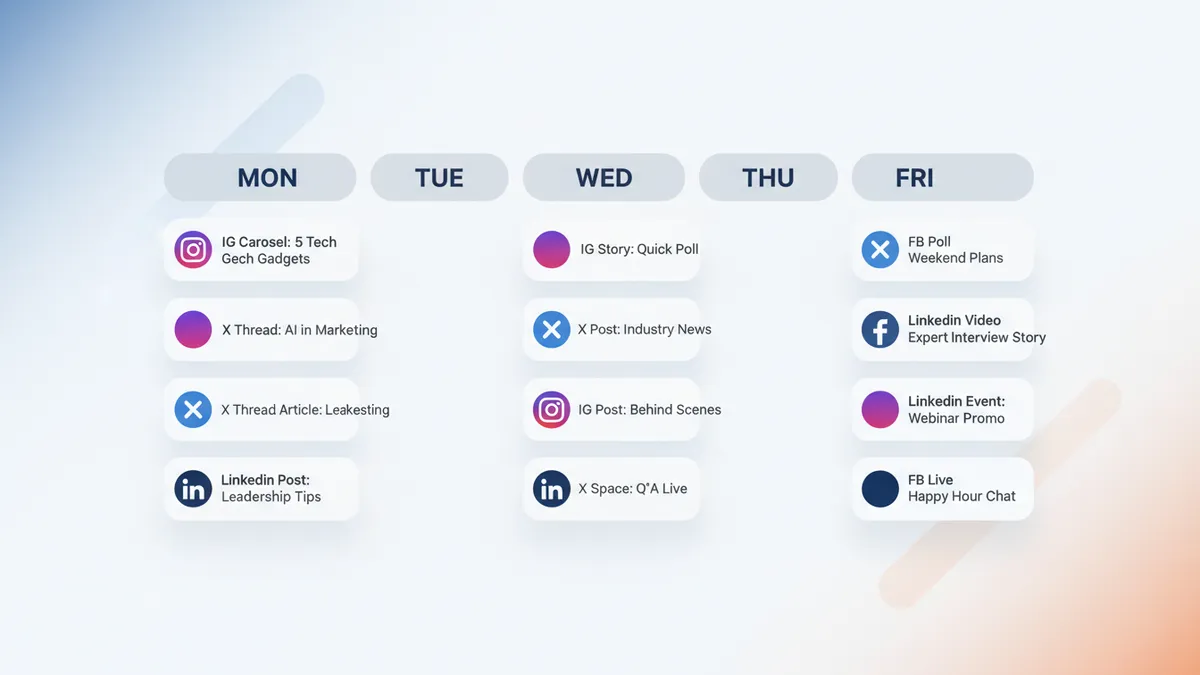
Here’s how that becomes a week of content:
Monday (Instagram carousel): “5 reasons your candle burns out early. Slide 1: you’re not trimming the wick. Slide 2: the room is too large for the candle size.” Each slide gets one tip, one sentence, and your product image. The last slide links to the full guide in bio.
Tuesday (X/Twitter): “Untrimmed wicks can noticeably hurt scent throw. Cut to 1/4 inch before every burn. Your candles will last longer and smell stronger.” Under 280 characters. Done.
Wednesday (LinkedIn text post): Open with the observation. “Most candle buyers blame the candle. Usually it’s the burn conditions. Here’s the thing nobody in the candle industry talks about openly.” Then two or three paragraphs on the wick/temperature angle. End with a question: “What’s your burn time usually getting?”
Thursday (Instagram Reel caption): You or someone on your team films a 20-second wick-trimming demo. The caption is three lines: the hook, the tip, the CTA. The blog post does not need to exist for this post to work.
Friday (Facebook post with question): “We wrote up the five most common reasons candles lose their scent too fast, and none of them are about candle quality. Which one do you think trips people up most?” Link to the blog.
Five distinct posts. Five different formats. Five different audiences. One blog post, written once.
How to adapt the same idea for each platform
The goal isn’t to rephrase the same sentence five different ways. Each platform rewards a different type of content, and adapting properly is what makes repurposing work rather than feel like spam.
Instagram responds to visual specificity. Carousels perform best when each slide makes one complete point. Reels work best with a hook in the first two seconds and a clear payoff. Captions can be longer than most people think, but the first line is what determines whether anyone reads them.
LinkedIn rewards personal framing and direct insight. The same blog tip that reads as generic in a list format lands much better when it starts with “here’s what I noticed” or “here’s what the data showed us.” Text-only posts still outperform link posts on reach. Save the link for the comments.
X/Twitter needs compression. Take your best single claim and cut it until only the essential idea remains. One number, one sentence of context, one implication. That’s the whole post.
Facebook works best with questions attached. The algorithm rewards comments, and a genuine question about your product category or a reader’s experience pulls more engagement than a straight announcement.
TikTok and Reels need a hook in the first frame. Your blog post headline, adapted into a first sentence spoken to camera, is often enough. “Three things killing your candle’s scent” starts a video. “5 Reasons Your Candle Loses Its Scent Too Fast” starts a blog.
For a deeper look at how to manage content across all these platforms without losing your mind, see our guide to social media management for small business.
How to batch your repurposing in 90 minutes
The fastest way to run a content repurposing strategy is to do all of it at once.
When your blog post is published or in final draft, block 90 minutes the same day. Open a blank document. Work through the inventory pull from the previous section. Then write all five or six posts in sequence, moving from platform to platform.
This is faster than it sounds because you’re not thinking about what to write. The ideas are already on the page. You’re shaping them, not generating them.
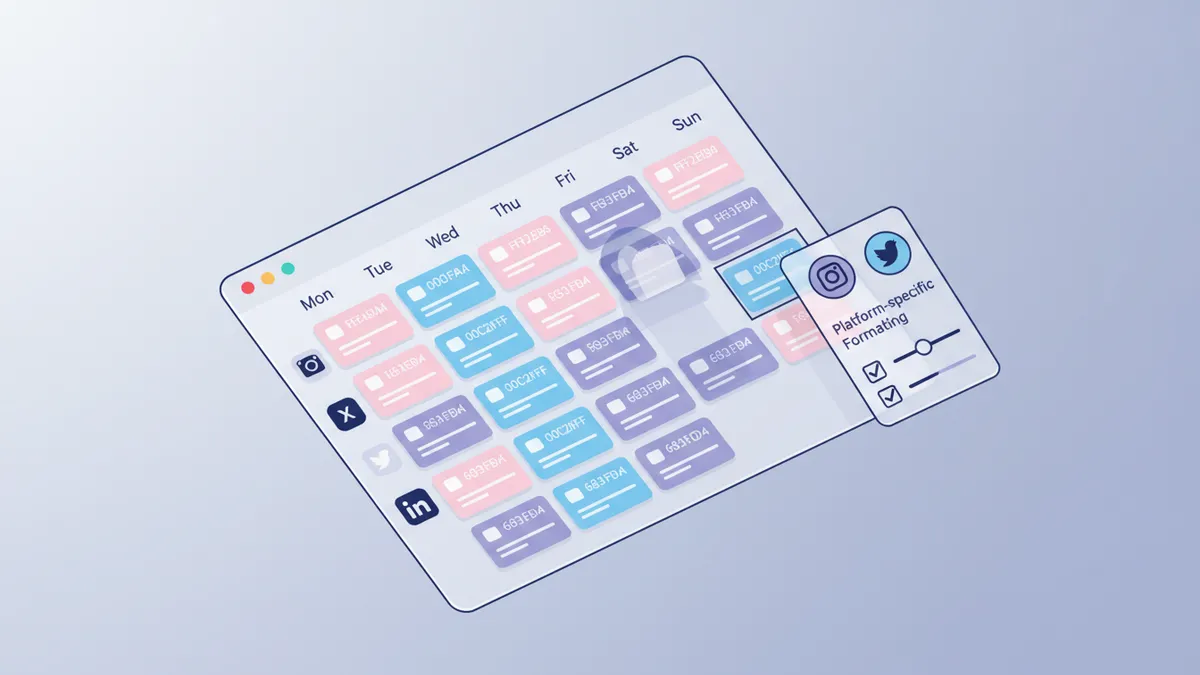
You can then schedule everything at once using a content calendar. IDEQO’s content calendar lets you view the full week of scheduled posts in a single grid, reorder them, and adjust publish times without reopening each post individually.
The scheduling step, once you have the posts written, takes about 15 minutes. IDEQO’s caption generator can also help speed up the adaptation step, especially if you need platform-specific variations of the same caption quickly.
For a structured approach to building the habit, our guide on creating a social media content calendar for your Shopify store covers the weekly batching workflow in detail.
What to repurpose first
If you’re starting from scratch, don’t go back through your entire blog archive. Pick your three most-visited posts from the last 90 days and run the inventory exercise on each one.
Most stores find that their how-to content and product guides produce the most usable repurposing material. Tips, steps, and comparisons break into carousels and text posts cleanly. Opinion posts and brand stories work better as LinkedIn text posts or Reel scripts.
Run the same blog post through the repurposing process twice, two weeks apart. Use different angles each time: the first week might focus on the practical tips, the second week on the contrast or the counterintuitive claim buried in section three. The same post can fuel two separate weeks of content without feeling repetitive to your audience.
One good blog post, used this way, goes a lot further than five mediocre ones written in a rush.
Schedule the whole week in one go
Once you have your five or six posts written, the last step is getting them into your calendar. IDEQO’s scheduler lets you queue an entire week of repurposed content at once: set the platform format for each post, pick your optimal send times, and publish everything from one place. If you’re using IDEQO’s AI-generated visuals or product automations, your Brand Kit (colors, logo, fonts) applies automatically to those assets so they stay on-brand without extra effort.
Start your free trial at IDEQO and schedule your first week of repurposed content today.
Frequently Asked Questions
What is content repurposing?
Content repurposing is taking one piece of content (a blog post, video, or podcast) and adapting it into different formats for different platforms. Instead of writing new social posts from scratch every day, you extract ideas, stats, or angles from something you've already published and reshape them for each platform's format and audience.
How many social media posts can I get from one blog post?
A 1,000-word blog post typically yields 8-10 distinct content ideas without any additional research. In practice, that means 5-7 usable posts across different platforms in a given week: an Instagram carousel, one or two short caption posts, a LinkedIn text post, an X/Twitter take, and a Facebook link post with a question. Higher-effort formats like Reels or TikToks add more.
Is content repurposing the same as cross-posting?
No. Cross-posting means copying the same content to every platform unchanged. Content repurposing means adapting the core idea for each platform's format, audience, and algorithm. A LinkedIn post has a different tone and length than an Instagram caption built from the same blog idea. Posting the same text everywhere hurts reach. Each platform penalizes content that looks identical across platforms.
How long does it take to repurpose one blog post into a week of social content?
With a clear system, 60-90 minutes is enough to create a full week of platform-specific posts from one blog. The first time takes longer because you're building the process. By the third or fourth post, you'll have templates for each platform and can move faster. Batching (doing all the repurposing in one focused session) is faster than spreading it across five separate days.
What is the best way to repurpose content for Shopify stores?
Start by auditing your existing blog posts and product guides for sections with specific tips, data points, or before/after comparisons. Those sections convert best into carousels and short-form video. For Shopify specifically, product benefits and how-to content work well on Instagram Reels and TikTok. Link back to the original post in your bio or first comment, not in the post body, to stay algorithm-friendly.