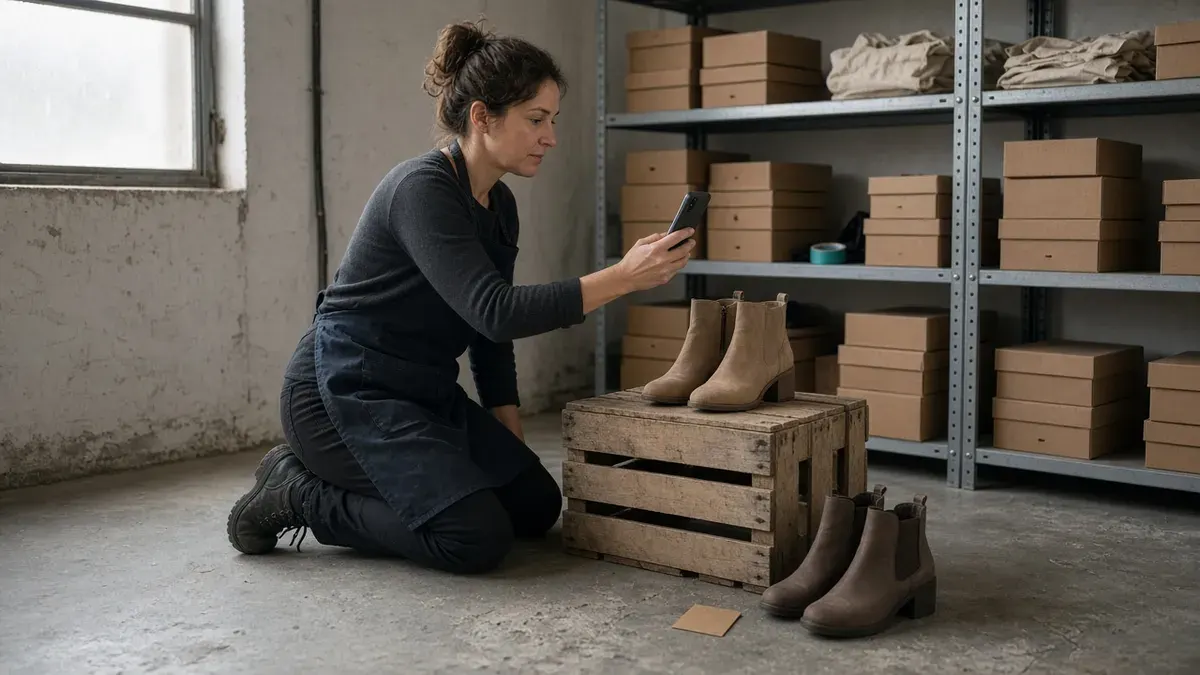
A single product Pin sells one SKU. A shoppable collage sells a decision: the gift set, the outfit, the table setup, the starter kit. Pinterest now treats that multi-item story as a native shopping surface, not a side experiment.
Pinterest Help says collages let people cut objects from Pins or camera-roll photos, layer them into an interactive board, and keep shopping details when those cutouts come from product Pins (Pinterest Help). Pinterest Business Help also lets you tag a Pin with up to 24 related products, and collections Pins need three or more tagged products so shoppers can tap white dots to browse exact or similar items (Pinterest Business Help; Pinterest Business Help).
If account, domain, and catalog setup are still open, finish Pinterest for Shopify traffic first. If you already know what demand to chase from Pinterest Trends planning, use Cut-Compose-Tag-Pin below to turn that plan into shoppable creative.
Key Takeaways
- Cut product frames first: Pull clean cutouts and hero photos before you design.
- Compose one buyer story: Build a collage or collections hero around one gift, look, or room job.
- Tag what shoppers can buy: Stay inside Pinterest’s product-tag and collections rules.
- Pin to intent boards: Publish with search-ready copy and one clear Shopify destination.
Why collages beat lonely product Pins for Shopify
Catalog Pins keep inventory discoverable. Collages and collections Pins teach shoppers how items belong together. That teaching job matters when the cart needs more than one SKU: bundles, gift guides, capsule wardrobes, tablescapes, refill kits.
Three reasons this format fits Shopify ops:
- Decision support: Shoppers planning gifts or rooms save multi-item stories more readily than isolated white-background shots.
- Native shopping paths: Product cutouts and tagged collections keep price and availability close to the inspiration instead of forcing a bio scavenger hunt.
- Reusable assets: The same cut set can become an Instagram carousel, email module, or holiday gift guide block later.
Pair collage creative with your auto-post Shopify products to Pinterest system for single-SKU volume. Collages cover the curated stories. Product automation covers the long-tail catalog coverage.
The Cut-Compose-Tag-Pin framework
Most stores open the collage tool, drop random photos, and hope the algorithm forgives the mess. Cut-Compose-Tag-Pin separates asset prep, story design, commerce tagging, and board publishing.
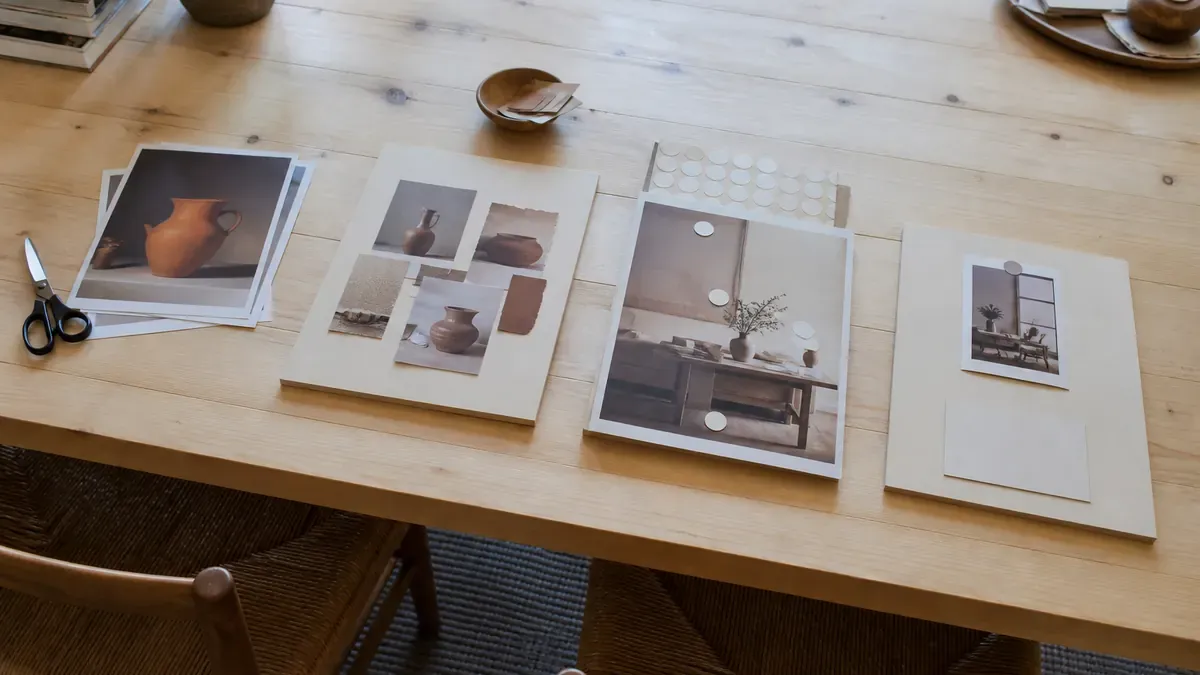
Phase 1: Cut
Goal: gather shoppable pieces so collage day is assembly, not a photo scavenger hunt.
Cut checklist:
- Confirm the official Pinterest for Shopify connection so product Pins, site claim, tag, and feed sync are live (Pinterest Business Help)
- Pull five to eight product Pins or high-resolution photos for one story theme
- Prefer cutouts with clean edges, full products visible, and no tiny on-image text
- Note the Shopify product or collection URL the finished Pin should support
- Reject any frame that only works if someone can read a paragraph on the image
A practical Cut day is one forty-five-minute pull from your catalog photography plus any lifestyle shots you already own. Store files by story name and week so you are not hunting assets while the collage canvas is open.
If your source photos still look like a catalog dump, fix shoot habits in product photos for social content before you blame the collage format.
Phase 2: Compose
Goal: arrange one clear buyer story on a single canvas or collections hero.
Compose jobs for Shopify catalogs:
- Gift set: three to five products that answer one recipient or budget job
- Shop the look: hero lifestyle scene with supporting SKUs that complete the outfit or room
- Starter kit: the minimum products a first-time buyer needs to succeed
- Compare and choose: two close variants with one shared use case
- Seasonal edit: a short run of SKUs tied to one Moment from your Trends list
Compose rules that keep collages honest:
- One story per Pin
- Hero product readable at thumbnail size
- Empty space that still feels intentional, not unfinished
- No cutout that exists only to fill the frame
For collections Pins, Pinterest expects a hero image or video plus at least three tagged products before publish (Pinterest Business Help). Build the hero like a lifestyle ad still. Leave room for the shop dots to land on the products people can actually buy.
When the story is a gift decision, borrow recipient buckets from your holiday gift guide social plan so Pinterest and the gift page speak the same language.
Phase 3: Tag
Goal: connect the collage or collections hero to catalog truth.
Pinterest Business Help allows up to 24 related product tags on a Pin, surfaced beside or below the creative, and those tags can later support collections ads (Pinterest Business Help). Collections Pins need three or more products tagged from existing Pins, product URLs, or catalog IDs (Pinterest Business Help). Collages made with product Pin cutouts keep shopping details such as price and availability on those cutouts (Pinterest Help).

Tag checklist before you hit Publish:
- Confirm each featured SKU is in stock and correctly titled in Shopify
- Tag only products that appear or are clearly taught in the creative
- Prefer three to eight tags for a focused story over dumping twenty-four related SKUs
- Match the destination link to the primary product or collection page
- Recheck price language in the title against live catalog data
Tagging mistakes to avoid:
- Tagging every related SKU because the limit is twenty-four
- Featuring a variant that is out of stock on Shopify
- Pointing the Pin link to your homepage while tags point to specific PDPs
- Mixing competitor products into a brand collage without a clear reason
If catalog sync still looks messy, fix foundations with Pinterest for Shopify traffic before you judge collage performance.
Phase 4: Pin
Goal: publish to the boards and keywords that match the buyer story, then learn which compositions deserve a permanent slot.
Pin checklist:
- Write a title and description that use the phrases shoppers already search
- Choose boards that match the story, not every board you own
- Keep one Shopify destination URL on the Pin
- Schedule beside single-product Pins so collage creative does not vanish under catalog volume
- Review saves, outbound clicks, and Shopify sessions the next week
Shopify marketing reports can show performance by referring channel and UTM campaign when tags are present (Shopify Help Center). If Pinterest traffic never appears cleanly, fix destination and tracking hygiene with the Shopify social media audit before you redesign the collage style.
A tool like IDEQO’s content calendar helps you place finished collage Pins beside Instagram and TikTok without inventing a second planning system. For cadence habits across channels, keep the rhythm from your Shopify social media content calendar.
A one-week Cut-Compose-Tag-Pin sprint
If you only have one focused week, use this sequence.
Monday Cut (45 minutes)
- Confirm catalog sync and product Pin coverage
- Pull assets for two stories
- Label folders by story and SKU
Tuesday Compose (60 minutes)
- Build one collage and one collections hero
- Cut anything that does not earn a save
- Draft titles and descriptions
Wednesday Tag and publish (45 minutes)
- Confirm stock and prices
- Tag products, publish or schedule both Pins
- Match destination links to the tagged path
Friday Pin review (30 minutes)
- Review saves, clicks, and Shopify sessions
- Mark keep, rewrite, pause
- Build next Monday’s Cut list from keep stories
Do not invent a new collage genre midweek. The sprint succeeds when two shoppable multi-item Pins ship and one composition earns a permanent board slot.
Mistakes that waste Shopify collage effort
Dumping every SKU into one canvas. Extra cutouts without a job hide the hero and confuse the offer.
Designing for tiny text. If the collage only works when someone reads a paragraph on the image, rewrite it as photos plus the Pin description.
Skipping product tags when the catalog is ready. A destination link is a backup path, not the default when tags and shoppable cutouts are available.
Treating collages like Instagram carousels. Swipe teaching and layered inspiration are different jobs. Keep Instagram carousels for Shopify for feed education and Pinterest collages for saveable multi-item stories.
Judging collages on impressions alone. Saves without clicks need clearer tags or destinations. Clicks without orders need landing-page work, not more cutouts.
Posting daily with no Cut batch. Empty daily quotas burn the team and teach Pinterest nothing about how your products belong together.
FAQ
What are Pinterest collages for Shopify stores?
Pinterest collages let you layer cutouts from product Pins, camera-roll photos, and saved inspiration into one interactive Pin. When cutouts come from product Pins, shoppers can open shopping details like price and availability and visit the merchant product page. For Shopify catalogs, that means a gift set, outfit, or room story can stay shoppable instead of becoming a flat mood board.
How is a Pinterest collections Pin different from a collage?
A collage is a layered creative format made from cutouts. A collections Pin is a hero image or video with three or more tagged products that appear as tappable shop dots after someone opens the Pin. Use collages when the visual mix is the story. Use collections when one lifestyle hero should open a curated set of SKUs.
How many products can I tag on a Pinterest Pin?
Pinterest Business Help says you can tag a Pin with up to 24 related products from your catalog or other merchants. Related product tags surface beside or below the Pin and can support collections ads. Collections Pins need at least three tagged products before you publish.
Do I need the Pinterest for Shopify app before making collages?
Yes if you want honest price, availability, and product Pins tied to your store. The official Pinterest for Shopify app claims your site, installs the tag and Conversions API, connects your product feed, and generates product Pins from that feed. Collages and collections work best after that catalog sync is clean.
Can I schedule Pinterest collages for a Shopify store?
Build and tag the collage or collections Pin first, confirm each SKU is in stock, then schedule or publish to the boards that match the search intent. Keep one Shopify destination in the Pin link so saves, clicks, and store sessions stay aligned. A Shopify-aware calendar helps you batch collage days beside Instagram and TikTok without inventing a second system.
Put Cut-Compose-Tag-Pin on your calendar this week
Cut product frames before you open the canvas. Compose one buyer story. Tag the products shoppers can actually buy. Pin to the boards that match the search intent. That loop turns Pinterest from a lonely product dump into multi-item Shopify creative you can finish between packing orders.
If you want collage Pins batched beside the rest of your social queue, IDEQO’s content calendar can help you schedule Pinterest with Instagram and TikTok from one plan. Start free with IDEQO. Free plan available. No credit card required.
Frequently Asked Questions
What are Pinterest collages for Shopify stores?
Pinterest collages let you layer cutouts from product Pins, camera-roll photos, and saved inspiration into one interactive Pin. When cutouts come from product Pins, shoppers can open shopping details like price and availability and visit the merchant product page. For Shopify catalogs, that means a gift set, outfit, or room story can stay shoppable instead of becoming a flat mood board.
How is a Pinterest collections Pin different from a collage?
A collage is a layered creative format made from cutouts. A collections Pin is a hero image or video with three or more tagged products that appear as tappable shop dots after someone opens the Pin. Use collages when the visual mix is the story. Use collections when one lifestyle hero should open a curated set of SKUs.
How many products can I tag on a Pinterest Pin?
Pinterest Business Help says you can tag a Pin with up to 24 related products from your catalog or other merchants. Related product tags surface beside or below the Pin and can support collections ads. Collections Pins need at least three tagged products before you publish.
Do I need the Pinterest for Shopify app before making collages?
Yes if you want honest price, availability, and product Pins tied to your store. The official Pinterest for Shopify app claims your site, installs the tag and Conversions API, connects your product feed, and generates product Pins from that feed. Collages and collections work best after that catalog sync is clean.
Can I schedule Pinterest collages for a Shopify store?
Build and tag the collage or collections Pin first, confirm each SKU is in stock, then schedule or publish to the boards that match the search intent. Keep one Shopify destination in the Pin link so saves, clicks, and store sessions stay aligned. A Shopify-aware calendar helps you batch collage days beside Instagram and TikTok without inventing a second system.