
Key Takeaways
- Profiles with a complete About section get 21x more profile views than those without one.
- LinkedIn’s algorithm reads your bio first. It classifies what you do and who should see your profile. Vague bios lose the human reader and confuse the algorithm at the same time.
- The first 275 characters are what most people see. On mobile, everything after that is hidden behind “see more.”
- AI bio generators solve the blank-page problem. They give you a solid draft in seconds that you edit into something that sounds like you.
- Shopify store owners need a different kind of bio. Less resume, more founder story. The goal is customers and collaborators, not recruiters.
Your LinkedIn bio is the first thing a potential customer, partner, or investor reads after your name. Most people wrote it once, in about 20 minutes, when they set up their profile. Then they got a new job, started a business, or pivoted entirely. And never updated it.
The blank-page problem is real. What do you even say? How long should it be? Does it sound too salesy, or too vague? A LinkedIn bio generator fixes that. Enter your details, get a first draft in seconds, then edit from there. When the bio is ready and you want LinkedIn to drive Shopify sessions, follow the full LinkedIn marketing guide for Shopify stores.
Try IDEQO’s Free LinkedIn Bio Generator
Why your LinkedIn bio matters more than you think
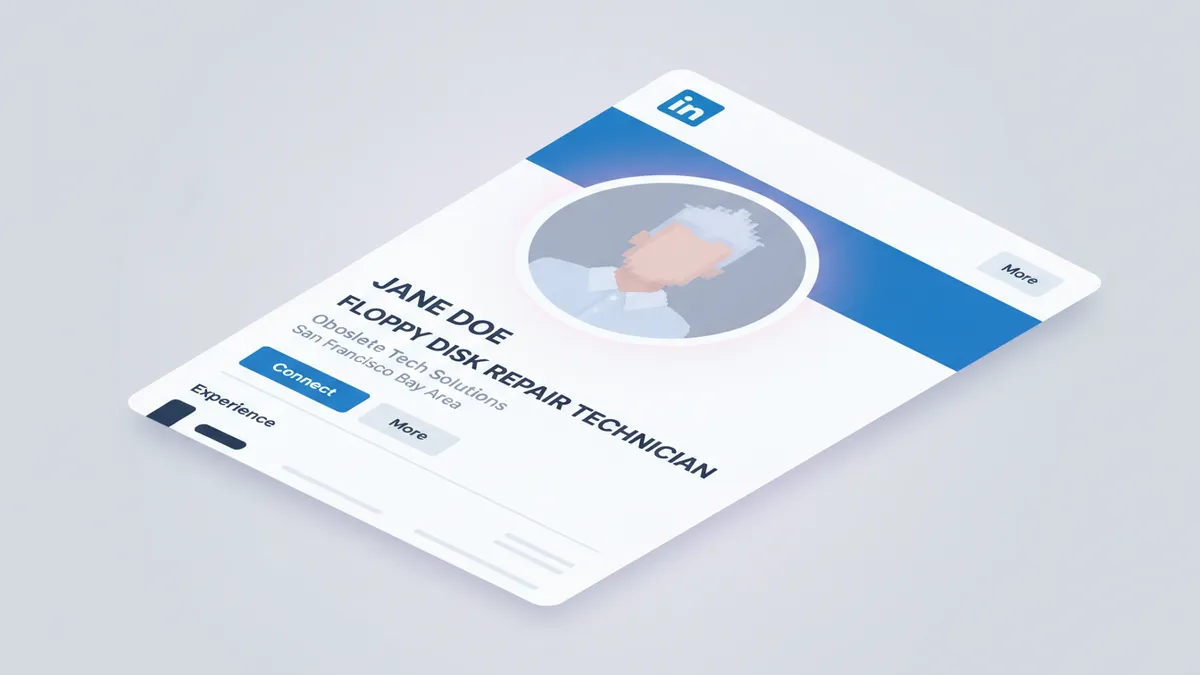
Profiles with a completed About section get 21x more profile views and 36x more messages than incomplete profiles.
The number that matters even more: recruiters spend an average of 7.4 seconds scanning a profile before deciding whether to keep reading. Customers, collaborators, and investors aren’t much different. If your bio doesn’t communicate what you do and who you help within the first two sentences, most people move on.
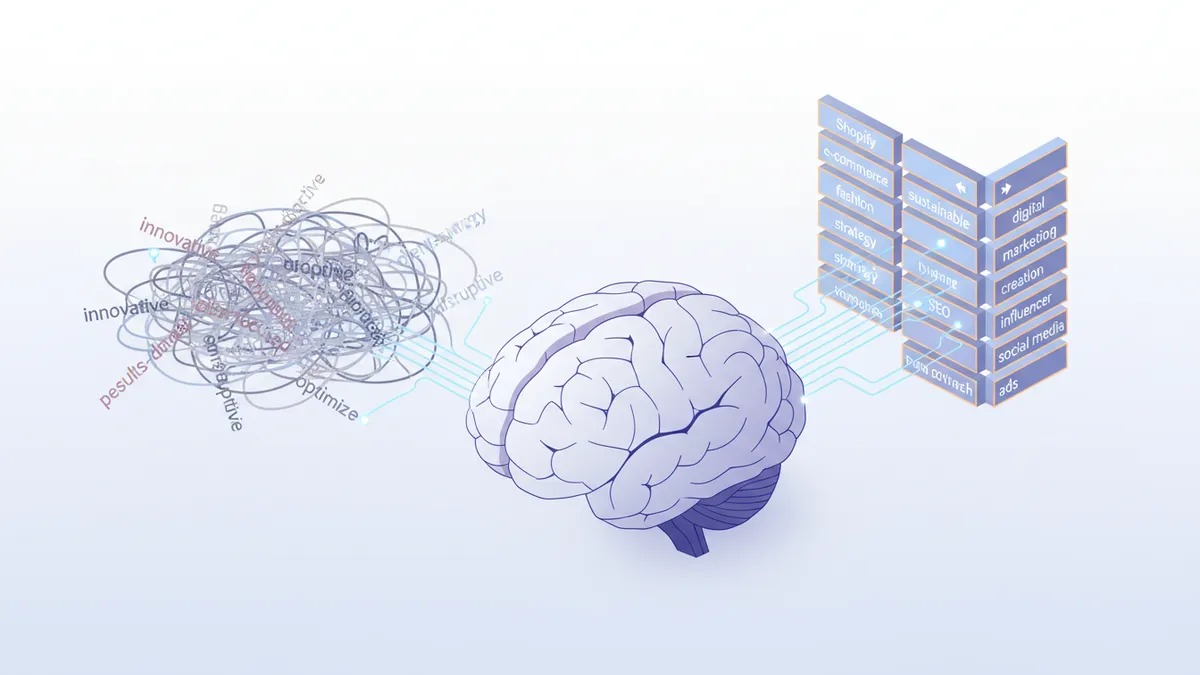
There’s also the algorithm. LinkedIn’s AI-powered matching engine (360Brew, fully live since late 2025) reads your About section to classify your profile. A clear, specific bio helps it put you in front of the right people.
Vague bios hurt you twice: they lose the human reader, and they confuse the algorithm.
What a strong LinkedIn bio must include
Three questions. If your bio answers all three clearly, it’s working. If it misses any one of them, that’s where to start.
What do you do? Specific beats generic. “E-commerce founder” tells LinkedIn’s search very little. “Shopify store owner selling handmade ceramics to home decor buyers” tells it a lot. Be specific enough that the right person immediately thinks this was written for them.
Who do you do it for? Name your audience or customer. Most professional bios fail here. They’re written from the perspective of the person writing them, not the person reading. Flip it: what does someone who lands on your profile actually want to know about you?
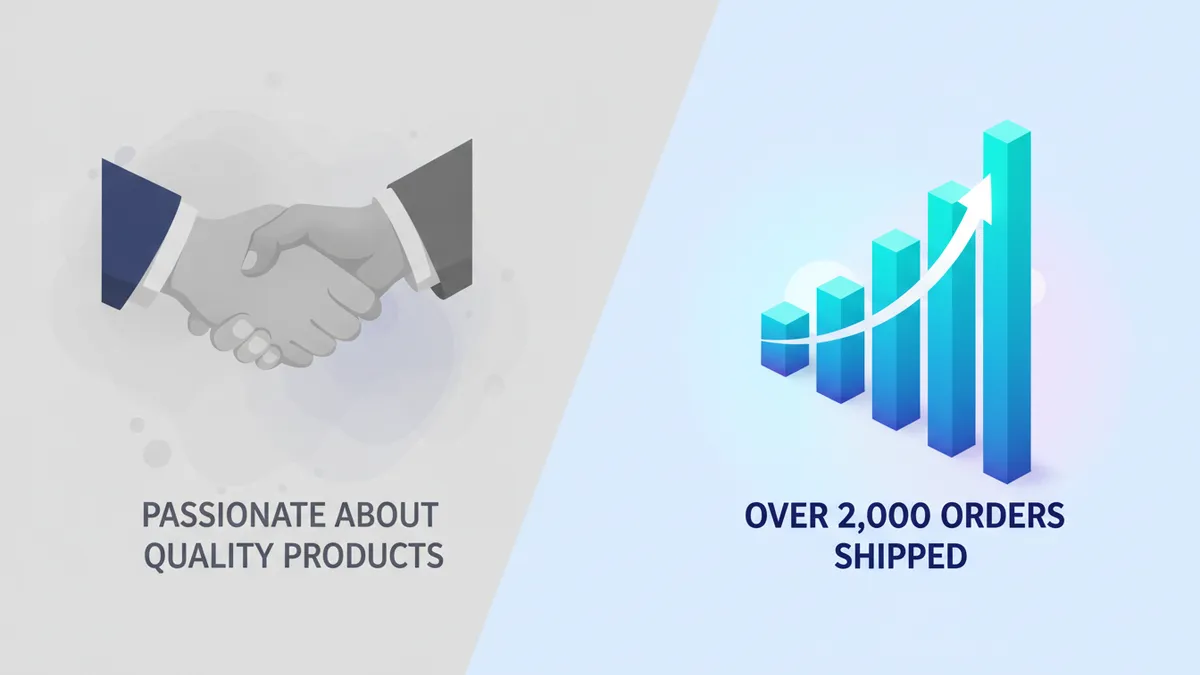
Why should they believe you? A number, a milestone, a specific result. “Over 2,000 orders shipped” is a credential. “Passionate about quality products” is not. Use your actual numbers.
Answer these three questions in 130 to 300 words and you’re ahead of most profiles on the platform.
How to use IDEQO’s free LinkedIn bio generator
The tool works in three steps.
First, enter your job title or role. Be specific. “Founder” is less useful than “Shopify Store Owner” or “E-commerce Brand Builder.” The more precise the title, the more accurate the output.
Second, add 2-3 sentences about your work. What do you sell? Who are your customers? What have you built or achieved? This is the raw material the AI uses. Specific input produces specific output. Vague input produces generic copy that sounds like everyone else.
Third, pick a tone. Professional, conversational, or direct. For Shopify store owners and e-commerce founders, conversational usually works better than formal. Your buyers are people, not hiring managers.
The generator returns a full About section draft in seconds. Edit it. Swap generic phrases for specific ones. Add your actual numbers. Make it sound like you.
Generate your LinkedIn bio for free. No account required.
If you already use AI for other parts of your content workflow, this follows the same principle: AI handles the first draft, you handle the edit that makes it yours.
LinkedIn bio structure for Shopify store owners
Most LinkedIn bio advice is written for job seekers. If you’re a Shopify store owner or e-commerce founder, you need something different.
Your goal isn’t to attract a recruiter. It’s to attract customers, brand collaborators, press, and investors. That changes what goes in the bio.
Here’s a structure that works:
Line 1 (hook): What you sell and who you sell to. One sentence. Specific.
“I run a Shopify store selling sustainable activewear to women who train outdoors.”
Lines 2-3 (proof): What you’ve built. A number, a milestone, a result.
“Hit our first 500 orders in 8 months with zero paid ads. Built the brand entirely through Instagram and word of mouth.”
Line 4 (forward): What you’re working on or building toward.
“Now expanding into wholesale and building the content side of the brand on LinkedIn.”
Line 5 (CTA): Where to find you, what you want.
“DMs open. Happy to connect with other independent brand founders.”
That’s under 100 words. It answers all three questions. It sounds like a person, not a template.
The same specificity applies to all your content. If you’re building out your social media strategy for your store, this kind of clarity wins there too.
What to avoid: LinkedIn bio mistakes that cost you views
Third person. “Sarah is a passionate founder who believes in sustainable commerce” reads like a press release. First person is warmer and more direct. “I run a sustainable Shopify store” works better on every level.
Adjective overload. “Dedicated, results-driven, passionate professional” says nothing. Every person on LinkedIn is dedicated and passionate. Cut adjectives and replace them with specifics.
Leaving out numbers. “I’ve helped many businesses grow” is unfalsifiable and forgettable. “I’ve helped 40+ Shopify stores double their organic traffic” is a real claim. Use your numbers, even if they feel small.
Writing for everyone. If your bio could apply to ten different types of people, it’s too vague. The goal isn’t to appeal to everyone. It’s to immediately signal that you’re exactly right for the right person.
Ignoring the 275-character cutoff. On mobile, LinkedIn shows roughly 275 characters before the “see more” button. Most people don’t tap it. Your strongest sentence needs to come first.
For more on writing copy that converts across your store and social channels, the AI content creation guide for e-commerce covers the same principles.
Your bio and LinkedIn’s 2026 algorithm
The 360Brew system doesn’t just match profiles to job searches. It reads your entire profile to understand your expertise, then determines which content and other profiles to surface to which audiences.
Your About section is how the algorithm classifies you.
A bio that describes your niche, uses industry-specific terms, and names your actual skills will rank better in LinkedIn search than a generic one. You don’t need to keyword-stuff. You just need to be specific.
One technical note: LinkedIn’s mobile app truncates the About section at roughly 275 characters before the “see more” button. If those first two sentences don’t give someone a reason to keep reading, they won’t. Write them as if they’re the only ones most people will ever see. Because they are.
If you’re a Shopify store owner, a specific profile earns more from every piece of content you post. The same AI-first workflow applies to writing social media captions for your products too.
Write yours in under 2 minutes
The content is already in your head. You know what you do and who you help. You just need to get it onto the page in a form that works for both the human reader and the algorithm.
IDEQO’s free LinkedIn bio generator gives you a solid first draft in seconds. Edit it, make it yours, paste it in.
Already posting on LinkedIn? IDEQO’s scheduling and content tools help you stay consistent without the weekly time sink.
Frequently Asked Questions
What is a LinkedIn bio generator?
A LinkedIn bio generator is an AI tool that writes your LinkedIn About section (summary) based on your role, experience, and goals. You provide a few details, and the tool produces a professional, keyword-friendly bio you can copy, edit, and paste into your profile.
Is there a free LinkedIn bio generator?
Yes. IDEQO offers a free LinkedIn bio generator with no account required. Enter your job title, a few details about your work, and your target audience, and the tool generates a ready-to-use LinkedIn summary in seconds.
How long should a LinkedIn bio be?
Between 130 and 300 words is the sweet spot. LinkedIn's mobile app truncates your About section after about 275 characters, so your first two sentences need to earn the 'see more' tap. Aim for 3-5 short paragraphs that each make one clear point.
What should a Shopify store owner put in their LinkedIn bio?
A Shopify store owner's LinkedIn bio should answer three questions fast: what you sell, who you sell to, and what makes your store different. Include your store's niche, any proof such as a revenue milestone, order count, or press coverage, and what you're building toward.
Does AI-generated LinkedIn bio content work with the 2026 algorithm?
Yes, when edited for specificity. LinkedIn's 2026 algorithm uses AI to classify profiles and match them to searches. Keyword-rich bios that use your job title, industry terms, and specific skills rank better. AI tools give you the structure. You add the specifics that make it yours.