


Key Takeaways
- AI caption generators cut writing time from 45+ minutes to under 10. You provide the product details; the AI handles the first draft.
- Platform matters. Instagram, TikTok, and LinkedIn need different caption styles. A good generator adjusts for each.
- AI output is a starting point, not a final draft. The best workflow: generate, then edit for your voice.
- Brand Voice settings make AI captions sound like you. Without them, every caption sounds the same.
- IDEQO’s free caption generator is built for e-commerce. No generic output. It’s trained on product-focused social content.
Writing captions takes longer than it should.
You have the product. You have the photo. You know what you want to say. But you sit there staring at a blank text box for 20 minutes because the first line never sounds quite right.
AI caption generators fix that. You can have 5 variations in seconds. The blank-page problem is gone.
Here’s how to use them well, and where IDEQO’s free tool fits in. Already using AI for your e-commerce content? Skip to the workflow section.
What Is a Free AI Caption Generator?

An AI caption generator takes your product details and platform choice and outputs ready-to-use social media captions. The best ones use proven copywriting formulas: Problem-Agitation-Solution, Before-After-Bridge, hook-proof-CTA.
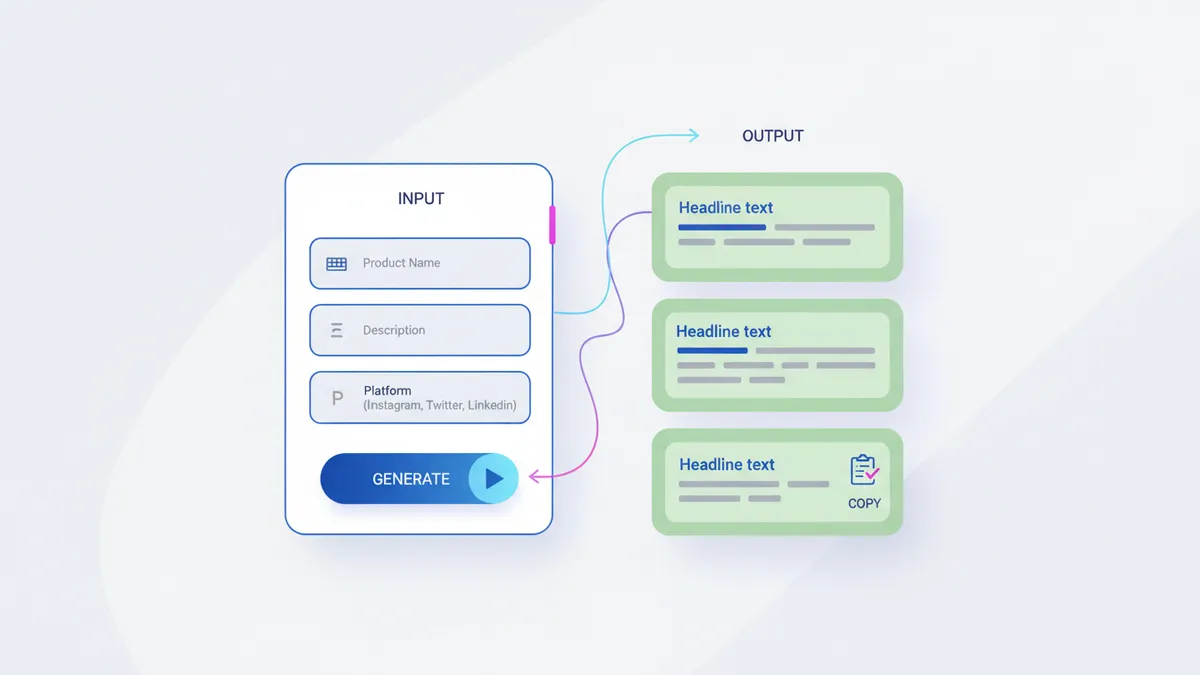
The free version of IDEQO’s caption generator does exactly this. You enter:
- Product name
- Short product description (one sentence is enough)
- Target platform (Instagram, TikTok, Facebook, X, LinkedIn)
And it returns several caption variations you can pick from, edit, or combine.
No account required. No credit card. Just enter your product details and get captions.
Try IDEQO’s Free Caption Generator
How to Get the Best Results
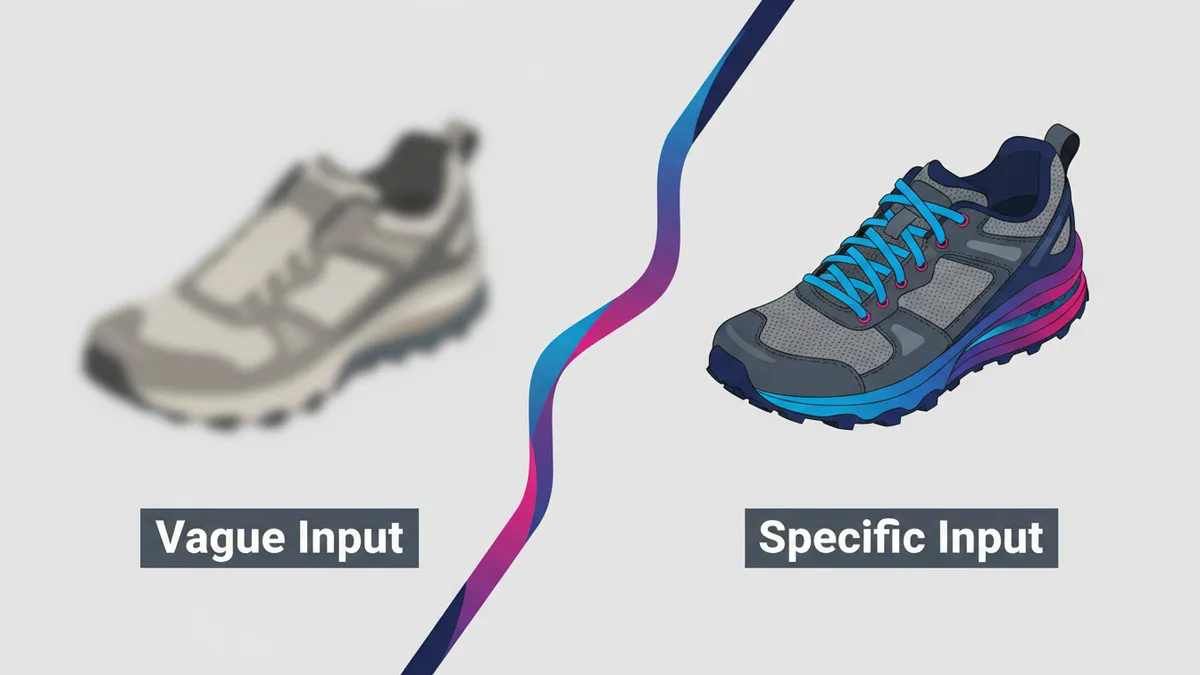
The output quality is directly tied to the input quality. Vague inputs produce vague captions.
Instead of: “comfortable sneakers”
Try: “lightweight trail runners with memory foam insole, for people who are on their feet all day”
The second version gives the AI something to work with: who the product is for, what makes it different, and the emotional context (tired feet). Better input, better captions.
A few other things that improve results:
Specify the goal. “I want people to click the link in bio” produces a different caption than “I want comments and shares.” If the tool asks for it, tell it.
Mention any proof you have. Customer review count, bestseller status, a specific result (“fades dark spots in 2 weeks”). AI captions with real social proof outperform ones that don’t.
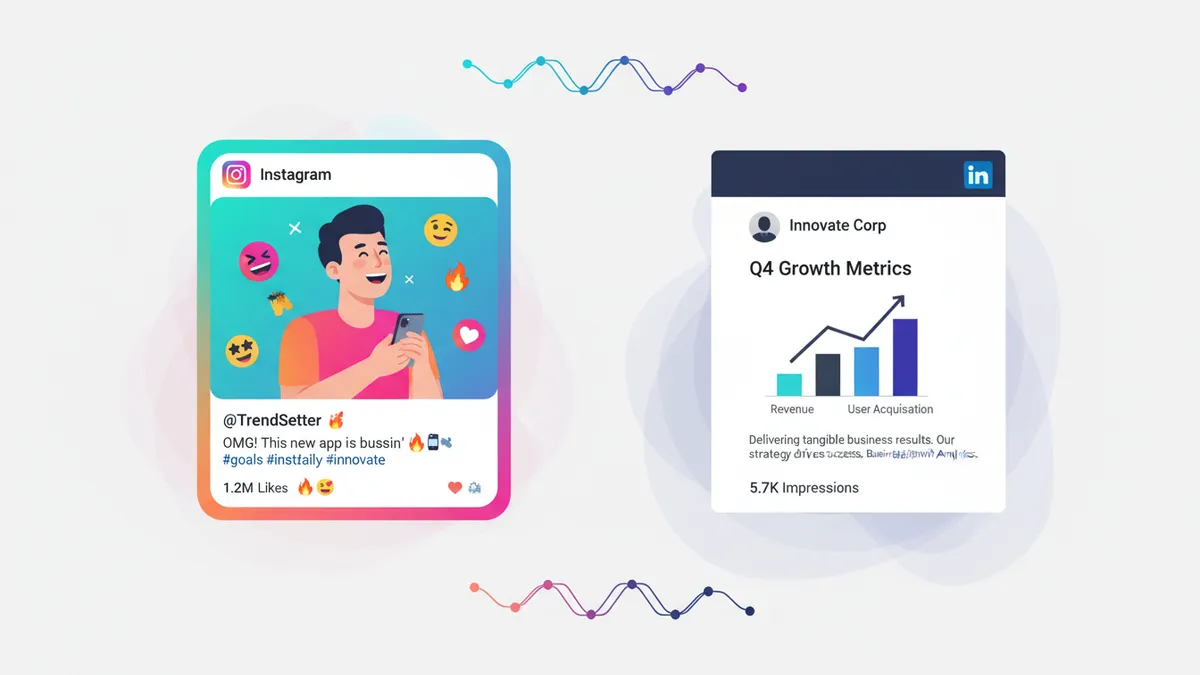
Use the platform field. A caption written for Instagram should not be pasted into LinkedIn. They’re completely different contexts. If the tool asks for platform, don’t skip it.

Platform-Specific Caption Tips
Even with AI doing the writing, you still need to know what “good” looks like on each platform before you can edit the output.
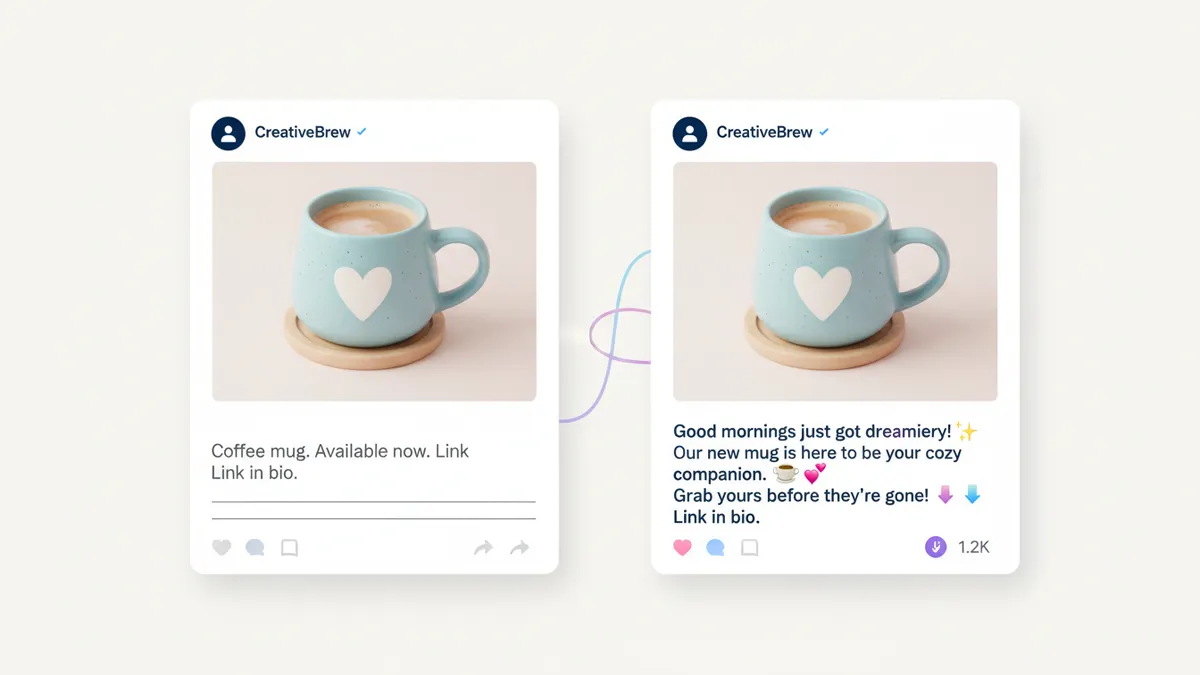
Instagram gives you room to write, and rewards it. Captions between 70-150 words tend to get more saves and shares than short ones.
The first 125 characters are all that show before the “more” button. Make them count. Lead with a hook, not your brand name.
If you’re building your Instagram marketing strategy for your Shopify store, captions are where you differentiate. Your photos might look similar to competitors. Your voice shouldn’t.
TikTok
TikTok captions are short. The video does the work. Keep captions under 100 characters, add one CTA, and use 2-3 hashtags for discoverability. The AI generator should default to this. Check that it does.
LinkedIn is different from the others. It rewards specificity and a real point of view. If you’re promoting products on LinkedIn, lean into the business angle: who uses this, what problem it solves, what result they get. Skip the exclamation points.
Facebook captions work similarly to Instagram but benefit from a slightly less trendy tone. Longer posts with a specific question at the end tend to drive more comments, which boosts reach.
AI Captions vs. Writing From Scratch
The right mental model: AI gives you a first draft in seconds instead of 20 minutes. You still edit.

The biggest mistake is posting AI output without reviewing it. It usually has two problems.
It sounds generic. The language is correct but not yours. “Elevate your morning routine” and “transform your lifestyle” and “designed for the modern professional” are in every AI caption ever generated. Edit these out.
It skips the proof. AI doesn’t know you have 3,000 five-star reviews unless you tell it. Add your actual social proof in the edit pass.
These are quick fixes. Five minutes of editing usually gets the caption where it needs to be, and you’re still saving 30-40 minutes compared to starting from scratch. If you’ve already automated your social media publishing, AI captions are the natural next step.
If you want to go deeper on writing captions that convert, see our guide on product captions that actually drive sales.

Using IDEQO’s Caption Generator in Your Workflow
Here’s the workflow that saves the most time:
- Batch your content plan for the week using your content calendar (products, platforms, goals)
- Open the caption generator and run each product through it
- Pick the best variation for each post
- Do a quick edit pass: swap generic phrases for specific ones, add your proof, adjust the CTA
- Schedule for publishing
That’s a week of captions in under an hour, not a week of captions spread across every morning when you scramble to post.
IDEQO’s free caption generator handles step 2. For steps 1 and 5 (planning your content calendar and scheduling), IDEQO’s full platform has both in one place.
If you’re ready to automate your entire social media publishing workflow, explore what IDEQO can do for your Shopify store.
The Difference a Good Caption Makes
A caption can be the difference between a product post that sells and one that gets a few likes and disappears.
Most store owners know this. The problem isn’t understanding that captions matter. It’s finding the time to write them well, consistently, for every platform, every week.
That’s the problem AI caption generators solve. Not the thinking. Not the strategy. Just the blank-page part that eats your time.
Start with IDEQO’s free caption generator. No account needed.
Frequently Asked Questions
Is there a free AI caption generator for e-commerce?
Yes. IDEQO offers a free AI caption generator built specifically for e-commerce and Shopify stores. You enter your product name, a short description, and your platform, and it generates ready-to-post captions in seconds.
How does an AI caption generator work?
AI caption generators use large language models trained on high-performing social media content. You provide product details and target platform, and the AI generates multiple caption variations based on proven copywriting formulas like PAS (Problem, Agitation, Solution) or BAB (Before, After, Bridge).
Can I use an AI caption generator for Instagram, TikTok, and LinkedIn?
Yes. The best AI caption generators adjust their output for each platform. Instagram captions can be longer and story-driven. TikTok captions are short and punchy. LinkedIn captions are professional but conversational. IDEQO's generator lets you specify the platform so the output matches.
Will AI captions sound like my brand?
Out of the box, AI captions are a solid first draft but can sound generic. To make them sound like your brand, either edit the output manually or use a tool with a Brand Voice feature. IDEQO's paid plan lets you set a Brand Voice so every generated caption always sounds like you.
How much time can an AI caption generator save?
Most e-commerce store owners spend 30-60 minutes writing captions for a week's worth of posts. With an AI caption generator, that drops to under 10 minutes. You still need to review and edit, but the blank-page problem disappears.